> ## Documentation Index
> Fetch the complete documentation index at: https://help.revenuehero.io/llms.txt
> Use this file to discover all available pages before exploring further.
# How to setup Crustdata enrichment in RevenueHero?
> Connect with Crustdata to instantly enrich leads and route them based on job titles, company info, and more.
### Navigate to Enrichment Settings
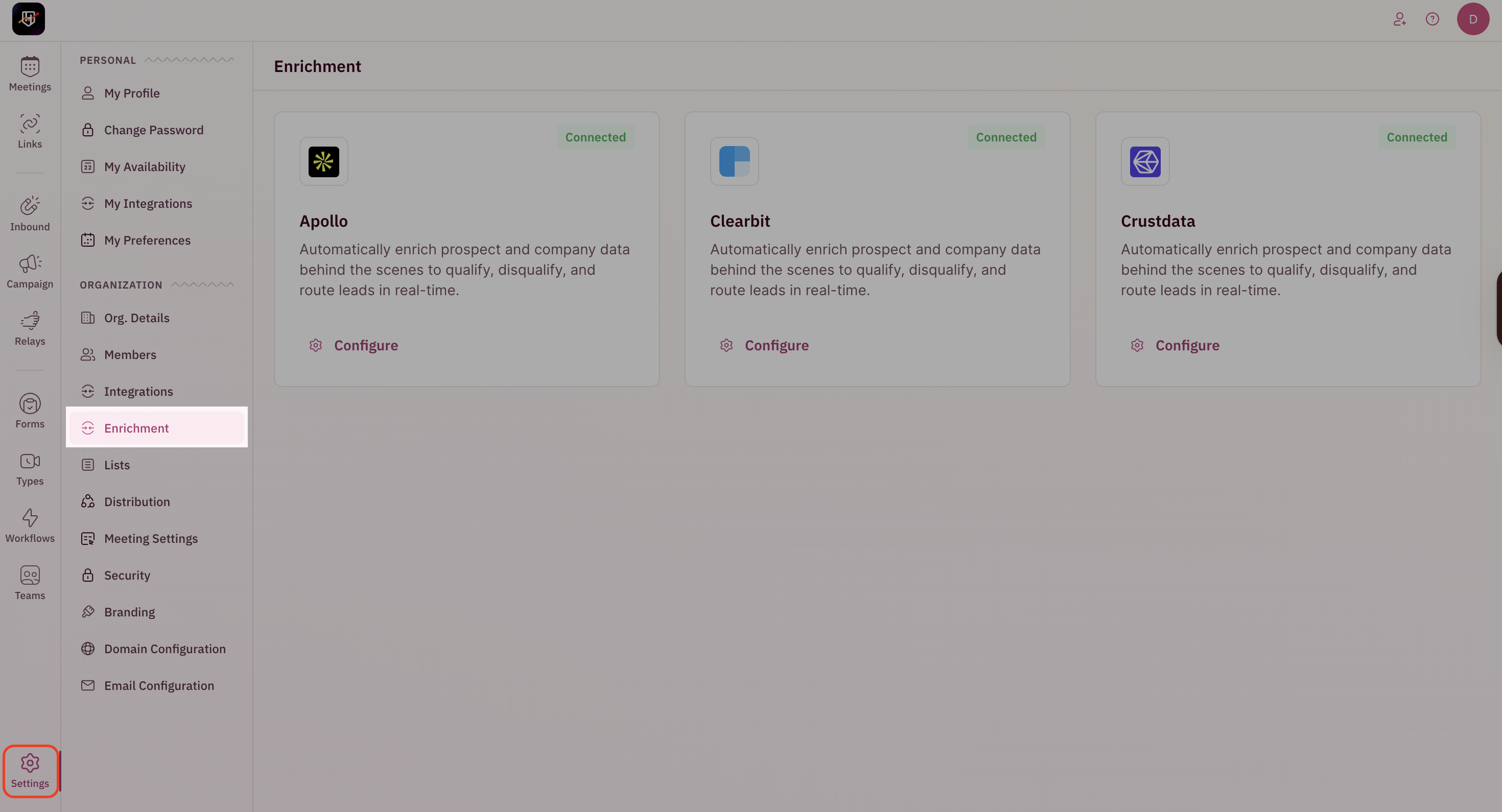
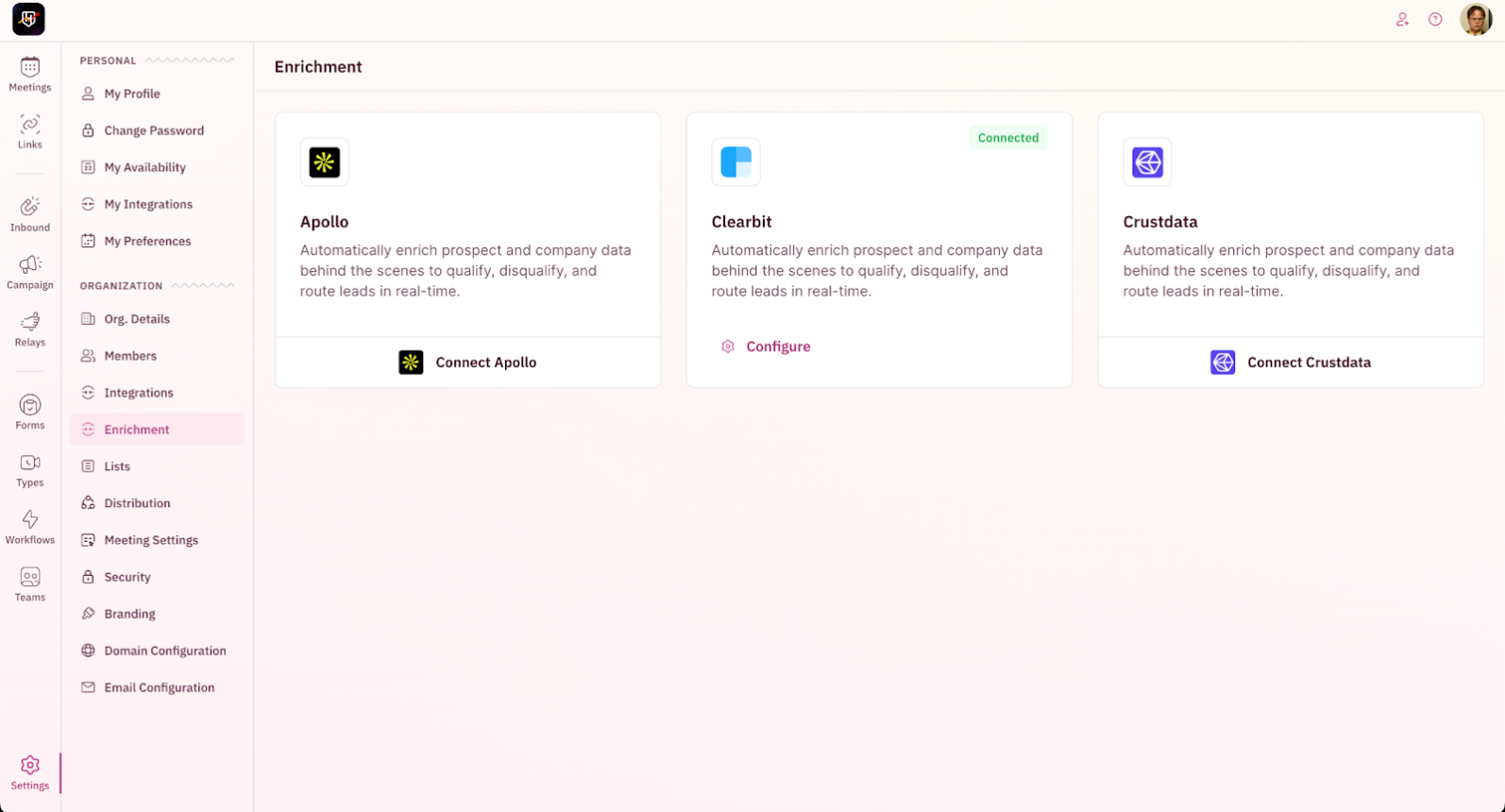
1. Go to **Settings → Enrichment** from the left-hand navigation.
This is an add-on, and if you would like to opt for it, please reach out to [support@revenuehero.io](mailto:support@revenuehero.io), and we'll assist you.
 ## Configure Crustdata Enrichment
To use Crustdata for enrichment
1. In RevenueHero, go to **Settings → Enrichment**.
## Configure Crustdata Enrichment
To use Crustdata for enrichment
1. In RevenueHero, go to **Settings → Enrichment**.
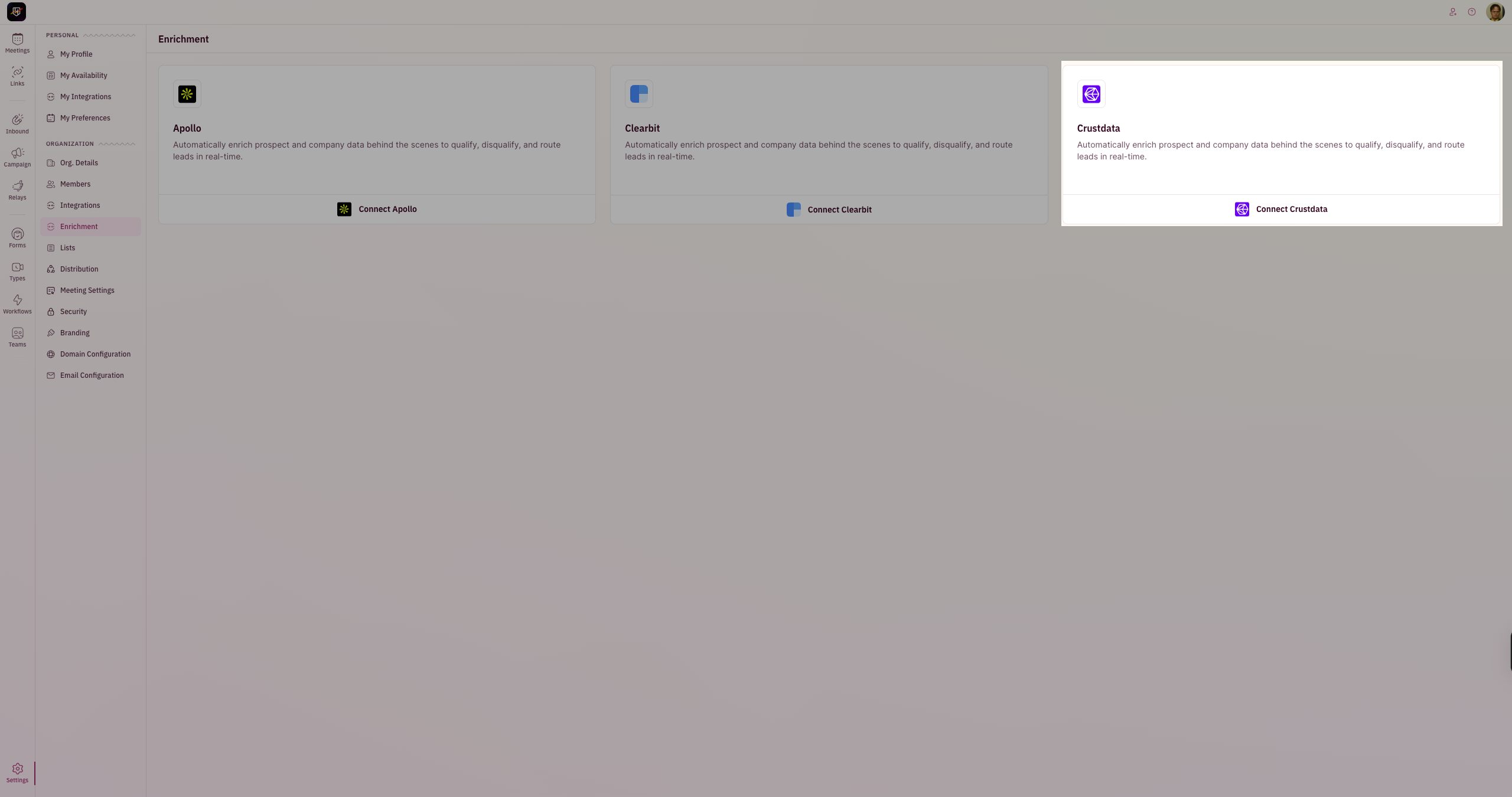
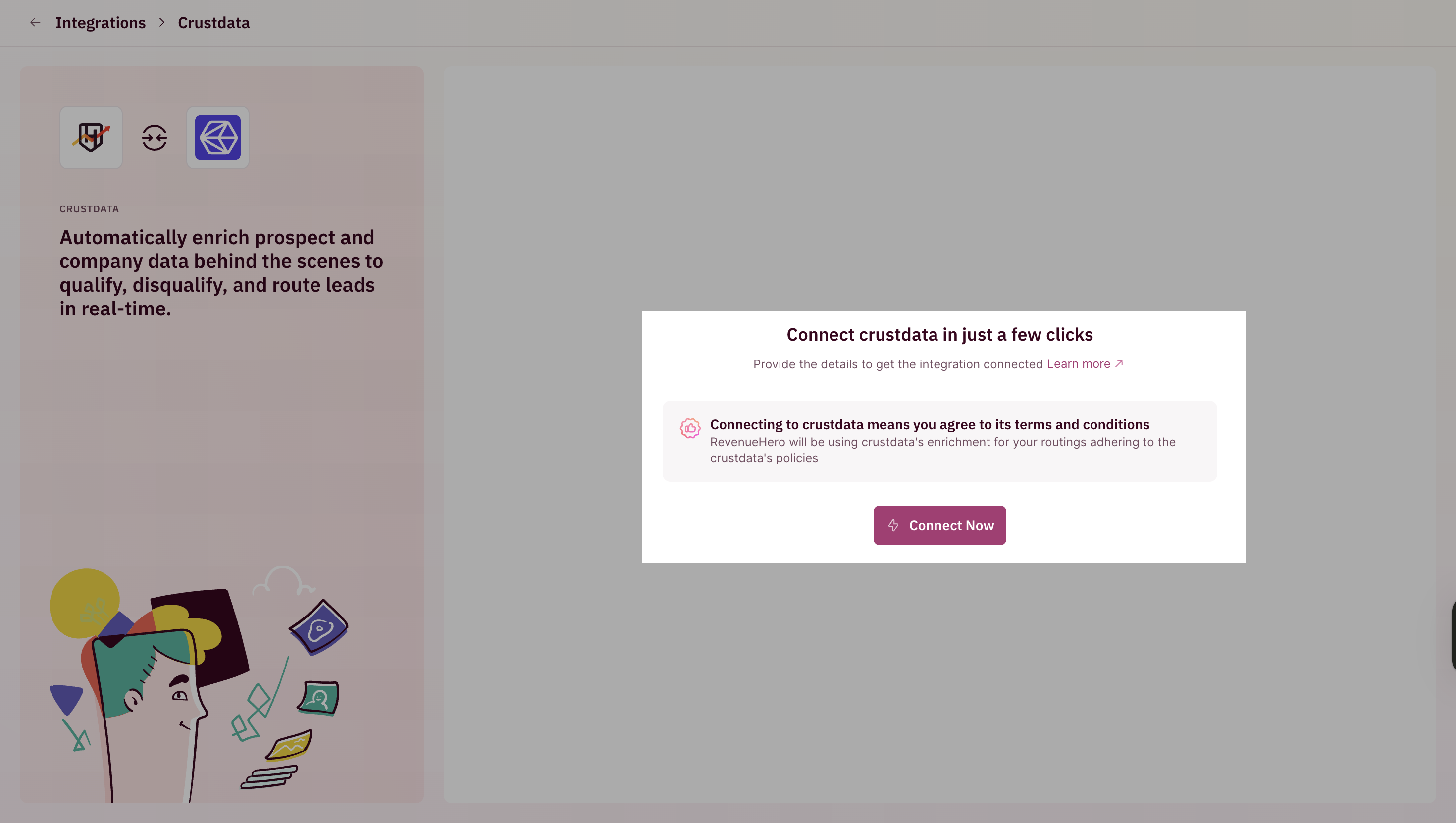
 2. Click on **Connect Crustdata** to open the integration setup screen.
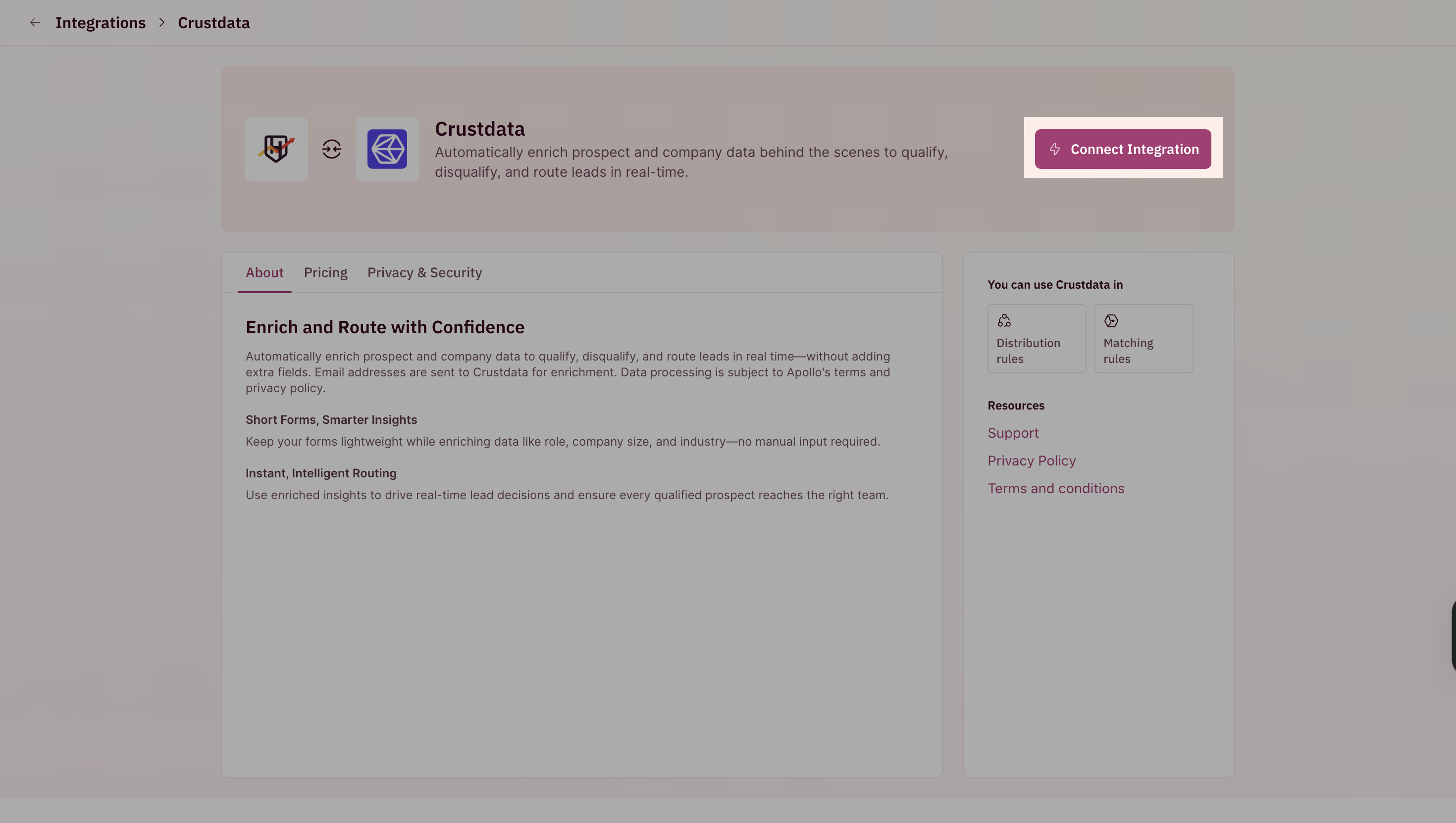
 3. Click on **Connect Integration**
 4. Click on **Connect Now**.
 Once connected successfully, you can start using Curstdata's enrichment in your routing and qualification rules.
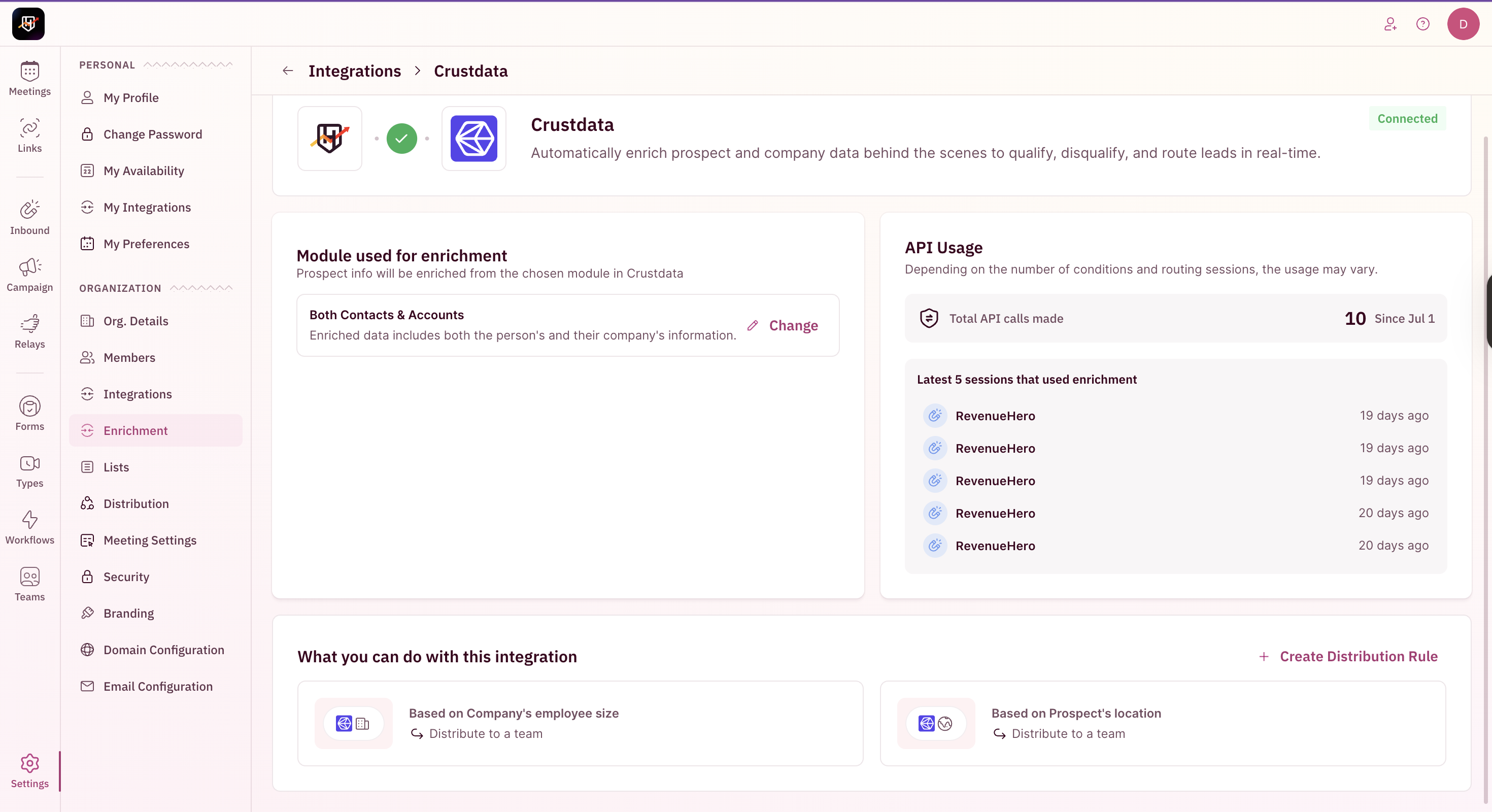 That's it! You've successfully set up Crustdata enrichment. 🎉🎉🎉