> ## Documentation Index
> Fetch the complete documentation index at: https://help.revenuehero.io/llms.txt
> Use this file to discover all available pages before exploring further.
# How to set up Ocean.io enrichment in RevenueHero?
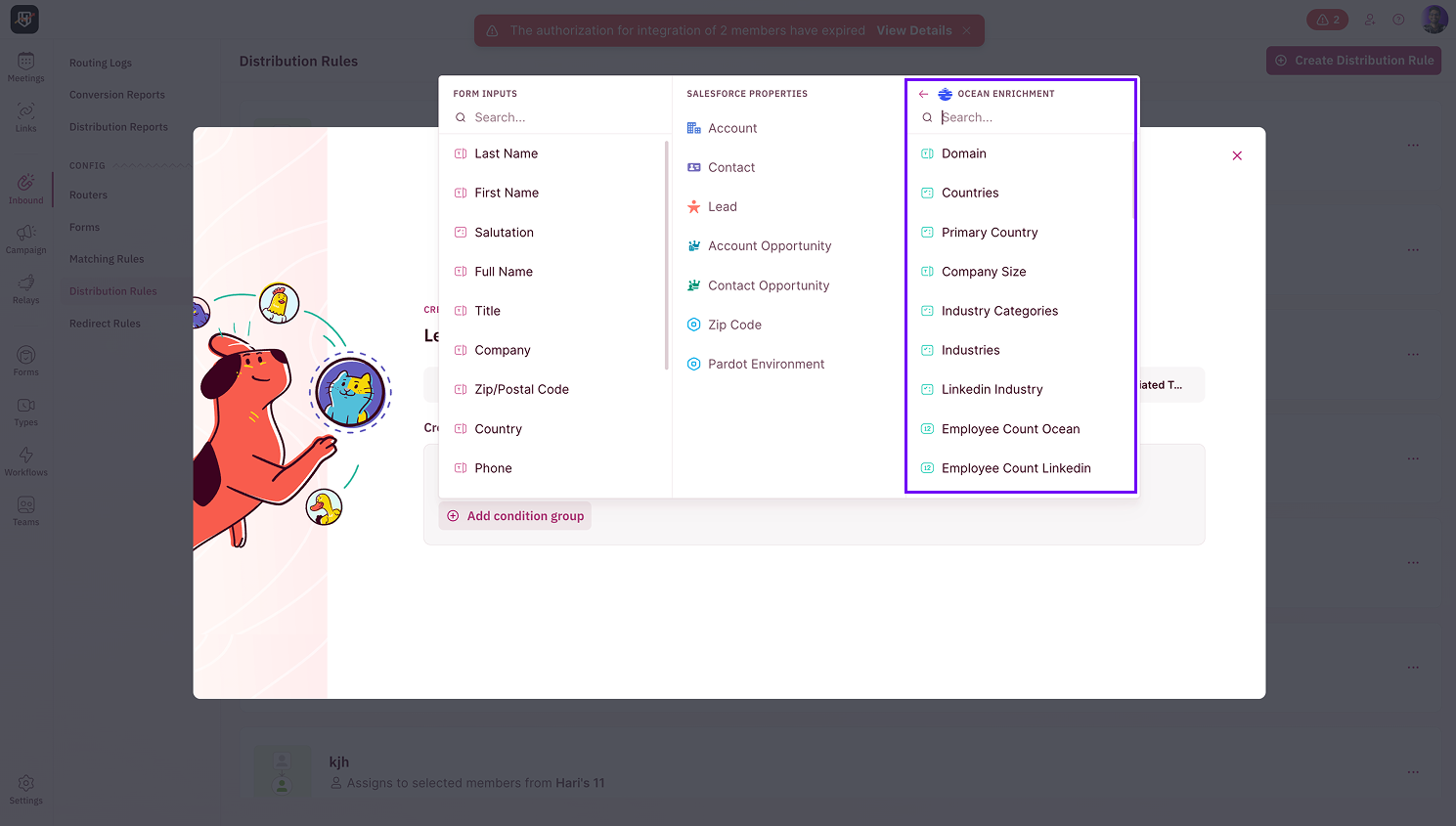
> Connect Ocean.io to enrich leads with company data and use it in your routing and qualification rules.
**BEFORE WE BEGIN**
You must be an **admin in RevenueHero** to access the enrichment settings and complete the integration.
# Configure [Ocean.io](http://Ocean.io) Enrichment
To use [Ocean.io](http://Ocean.io) for enrichment, you'll need to connect your [Ocean.io](http://Ocean.io) account to RevenueHero using an API key.
## How to generate your [Ocean.io](http://Ocean.io) API key
1. Log in to your [**Ocean.io**](http://Ocean.io) account.
2. Navigate to your account's **API settings** or **Integrations** section.
3. Generate a new API key and copy it to your clipboard.
# Connect [Ocean.io](http://Ocean.io) to RevenueHero
1. In RevenueHero, go to **Settings → Enrichment**.
2. Click on **Connect** [**Ocean**](http://Ocean.io) to open the integration setup screen.
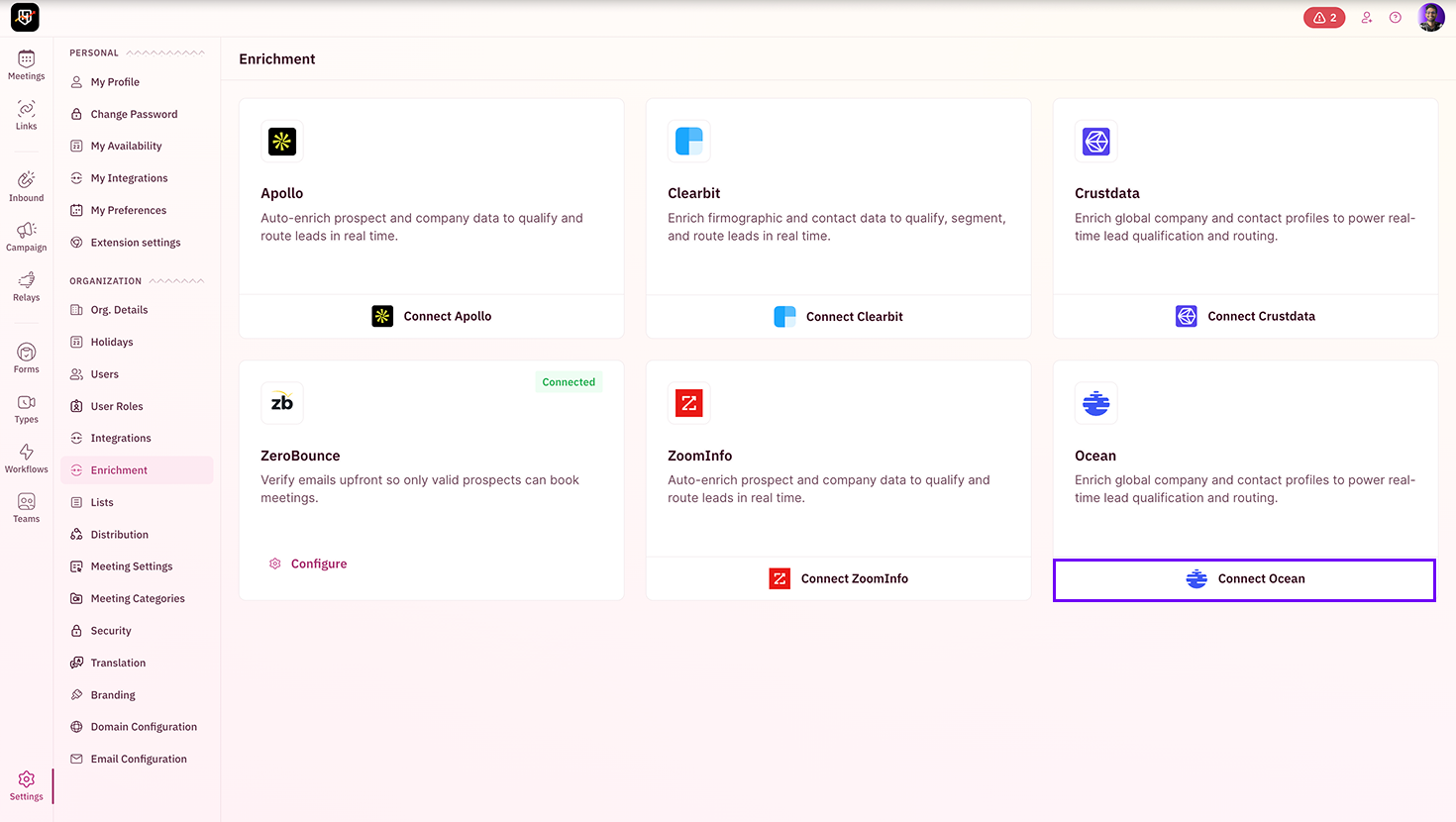 If this option is unavailable in your account, reach out to [support@revenuehero.io](mailto:support@revenuehero.io), and we'll help you with it.
3. Paste your [**Ocean.io**](http://Ocean.io) **API key** and enter a valid **email address** to send a test API call. If you don't possess an [Ocean.io](http://Ocean.io) API key, just enter a valid email id and proceed.
If this option is unavailable in your account, reach out to [support@revenuehero.io](mailto:support@revenuehero.io), and we'll help you with it.
3. Paste your [**Ocean.io**](http://Ocean.io) **API key** and enter a valid **email address** to send a test API call. If you don't possess an [Ocean.io](http://Ocean.io) API key, just enter a valid email id and proceed.
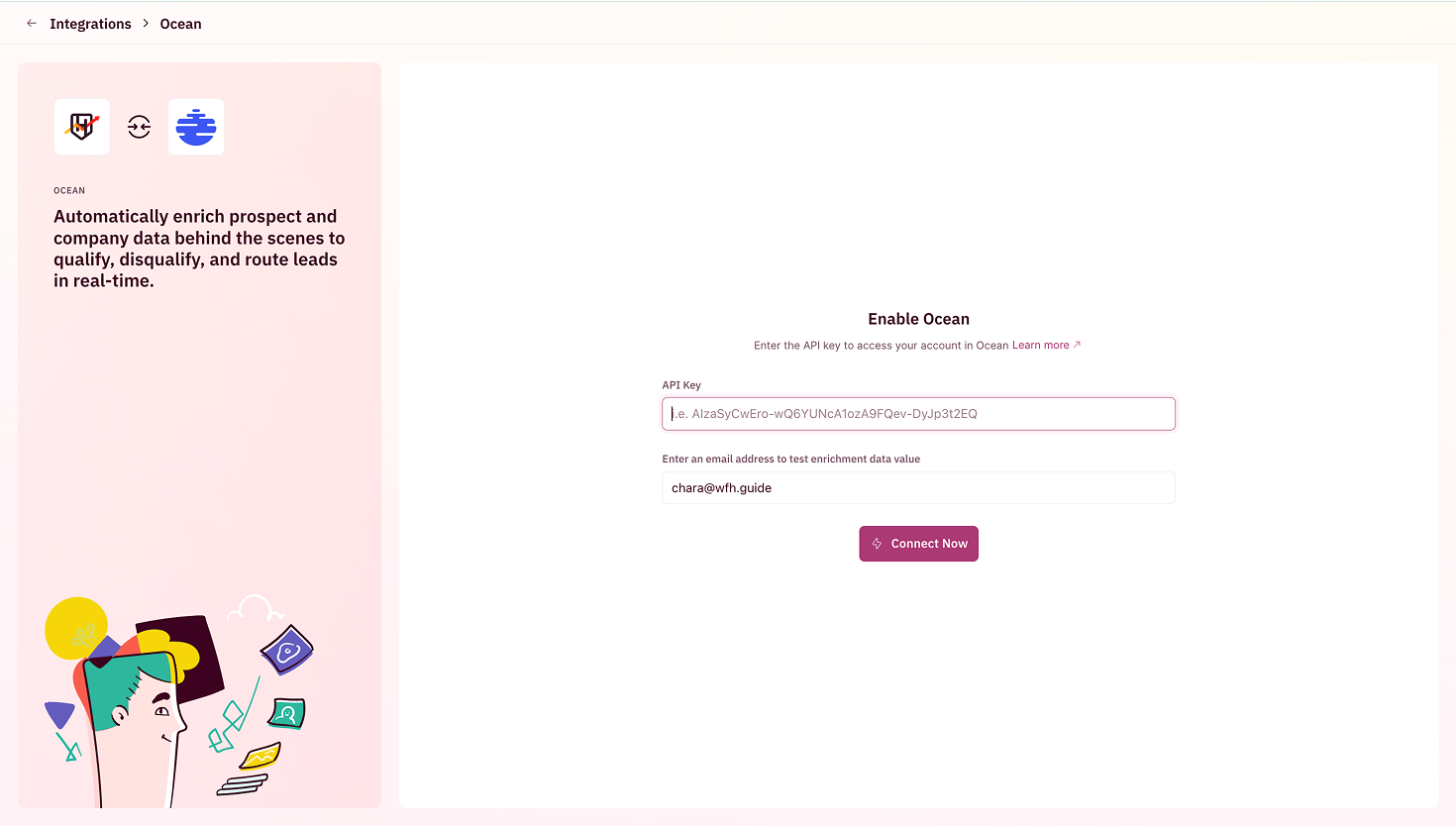 4. Click on **Connect Now**.
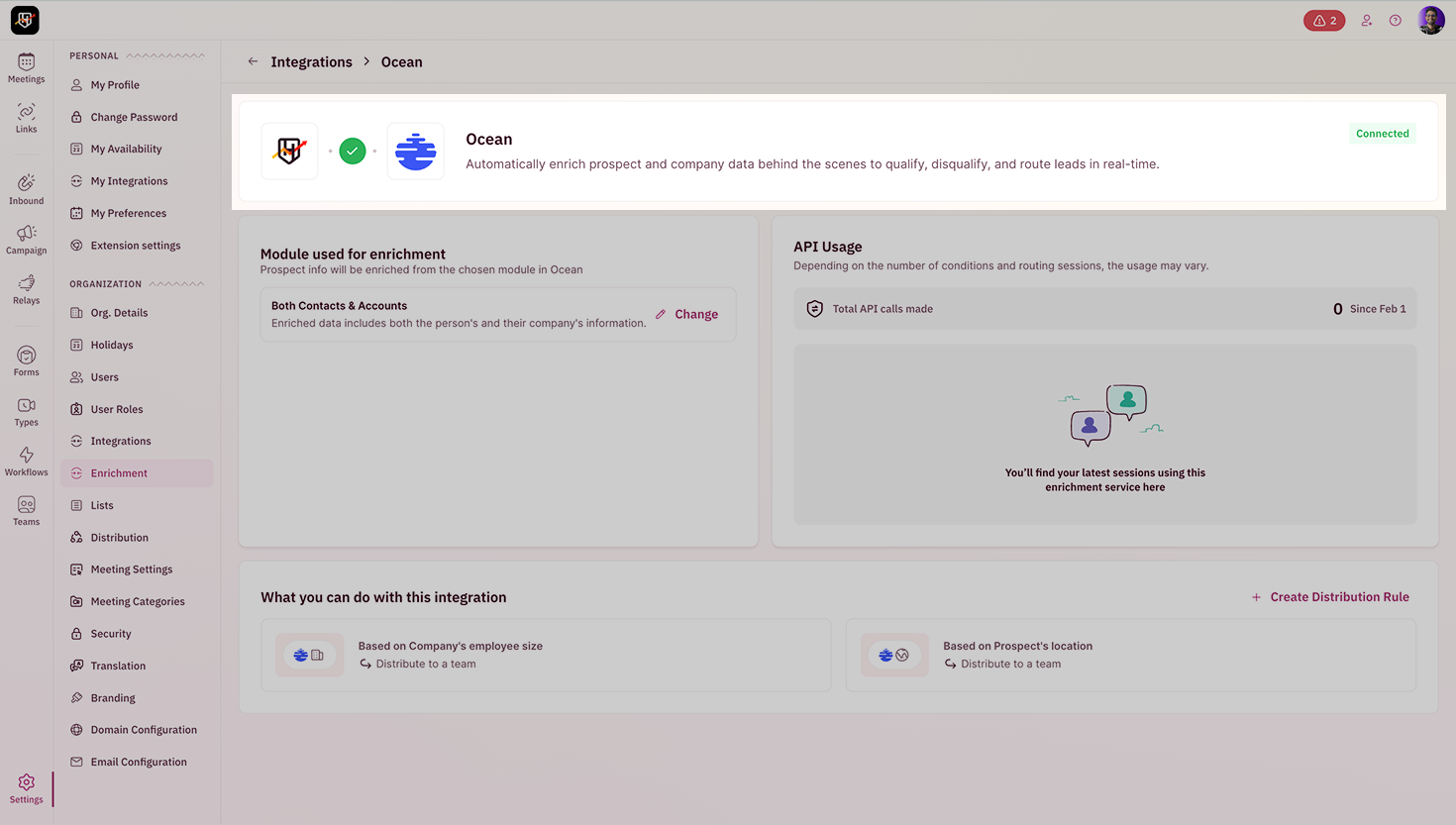 Once connected successfully, you can start using [Ocean.io](http://Ocean.io)'s enrichment fields in your routing and qualification rules.