> ## Documentation Index
> Fetch the complete documentation index at: https://help.revenuehero.io/llms.txt
> Use this file to discover all available pages before exploring further.
# Using RevenueHero’s Chrome Extension
> RevenueHero’s chrome extension allows sales reps to manage and book meetings no matter where they are in the browser.
## Download the Chrome extension
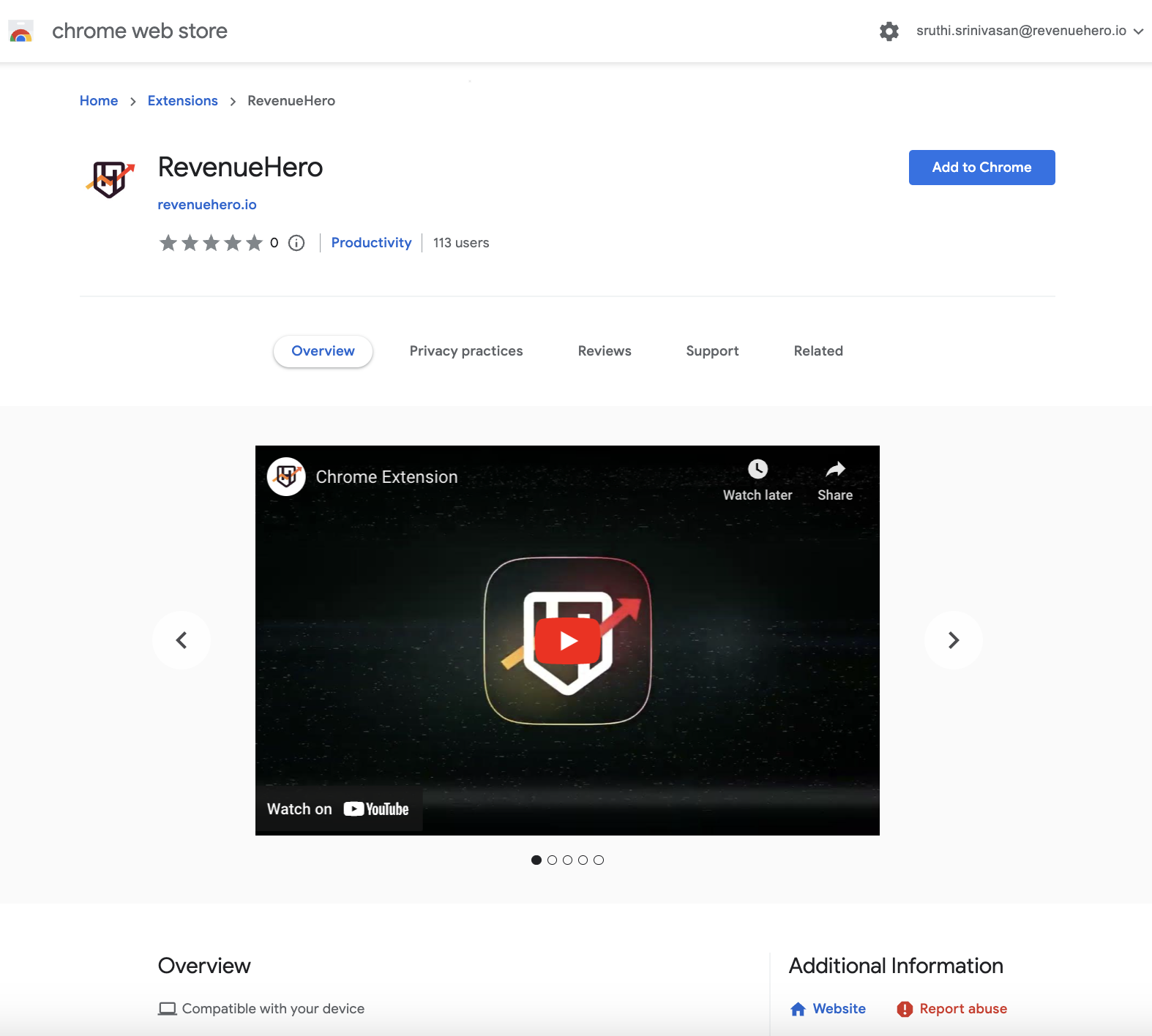
1. [Download the Chrome extension](https://chrome.google.com/webstore/detail/revenuehero/acnogbaldkeemneolhfnmcghconcmjna) to be able to book meetings from anywhere in just two clicks.
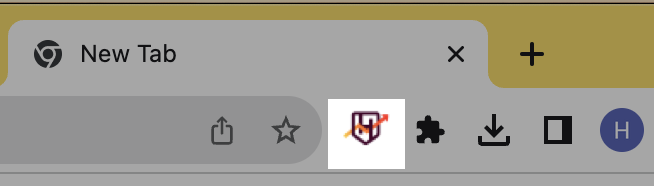
 2. Once installed, you will see a small RevenueHero icon on the Chrome extension bar, near the bookmarks.
 3. Click on the RevenueHero icon and sign in to your account.
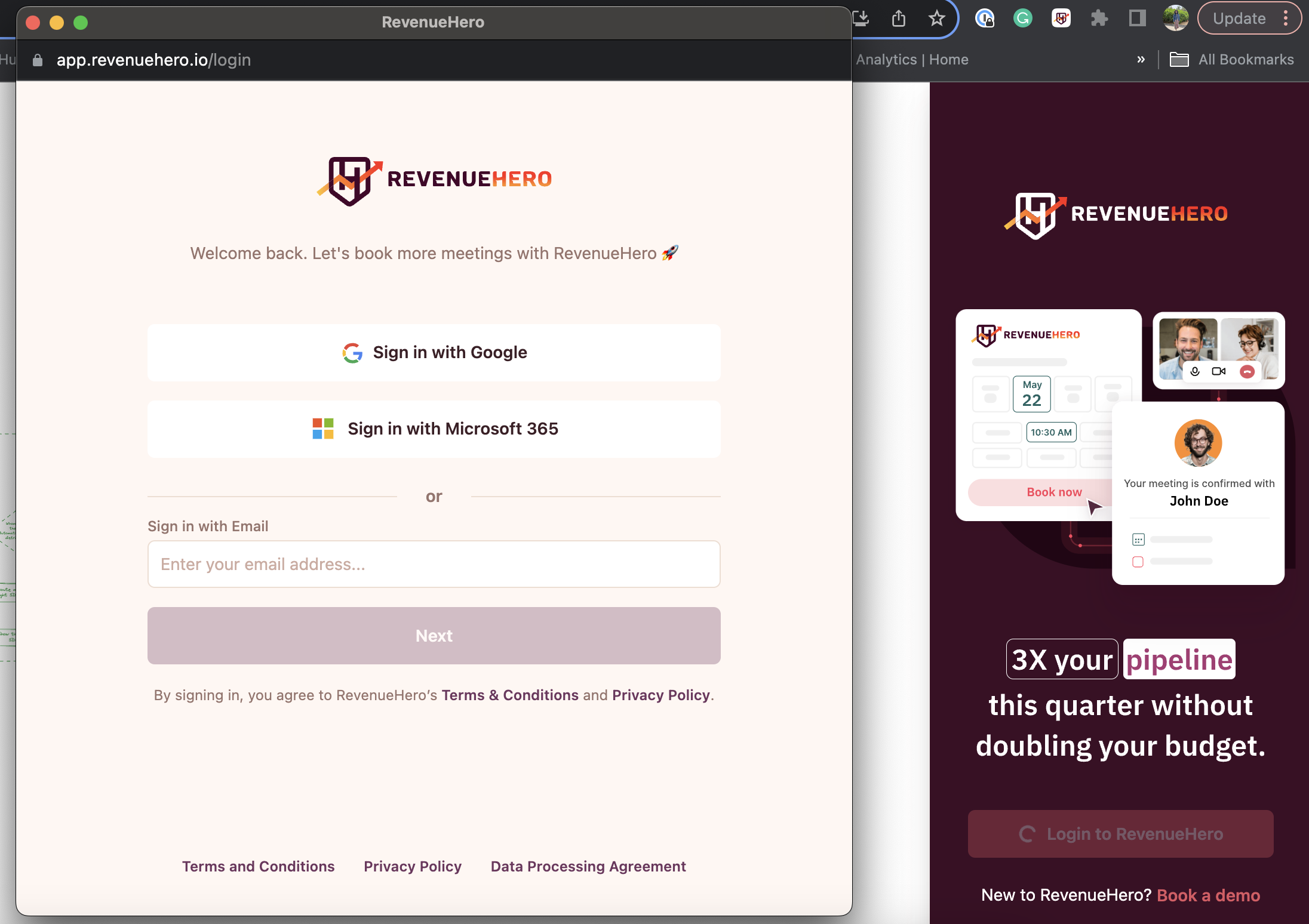 4. Once you’re logged in, you’re all set to start managing and booking meetings from wherever you are in the browser.
***
4. Once you’re logged in, you’re all set to start managing and booking meetings from wherever you are in the browser.
***