> ## Documentation Index
> Fetch the complete documentation index at: https://help.revenuehero.io/llms.txt
> Use this file to discover all available pages before exploring further.
# How to integrate Daily?
> Integrate Daily with RevenueHero in 4 simple steps
To connect with Daily, follow the below steps:
1. [Create a Room](https://help.daily.co/en/articles/4202139-creating-and-viewing-rooms) or copy your existing Room's URL from Daily
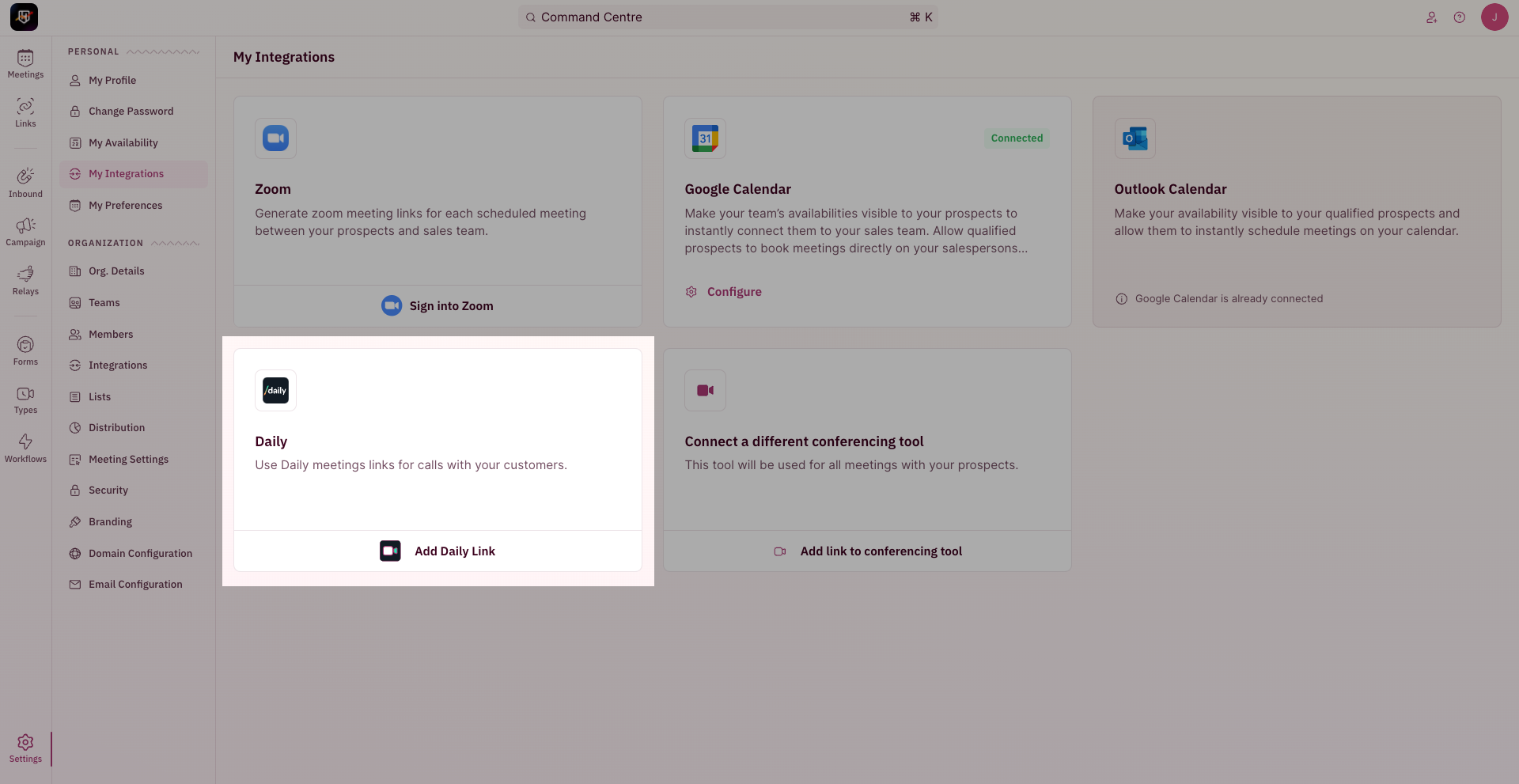
2. To begin your integration, click on "**Settings**" from the side nav bar and click on "**My Integrations**" under "**Personal Settings**".
3. On the Daily integration card, Click on "**Add Daily link**".
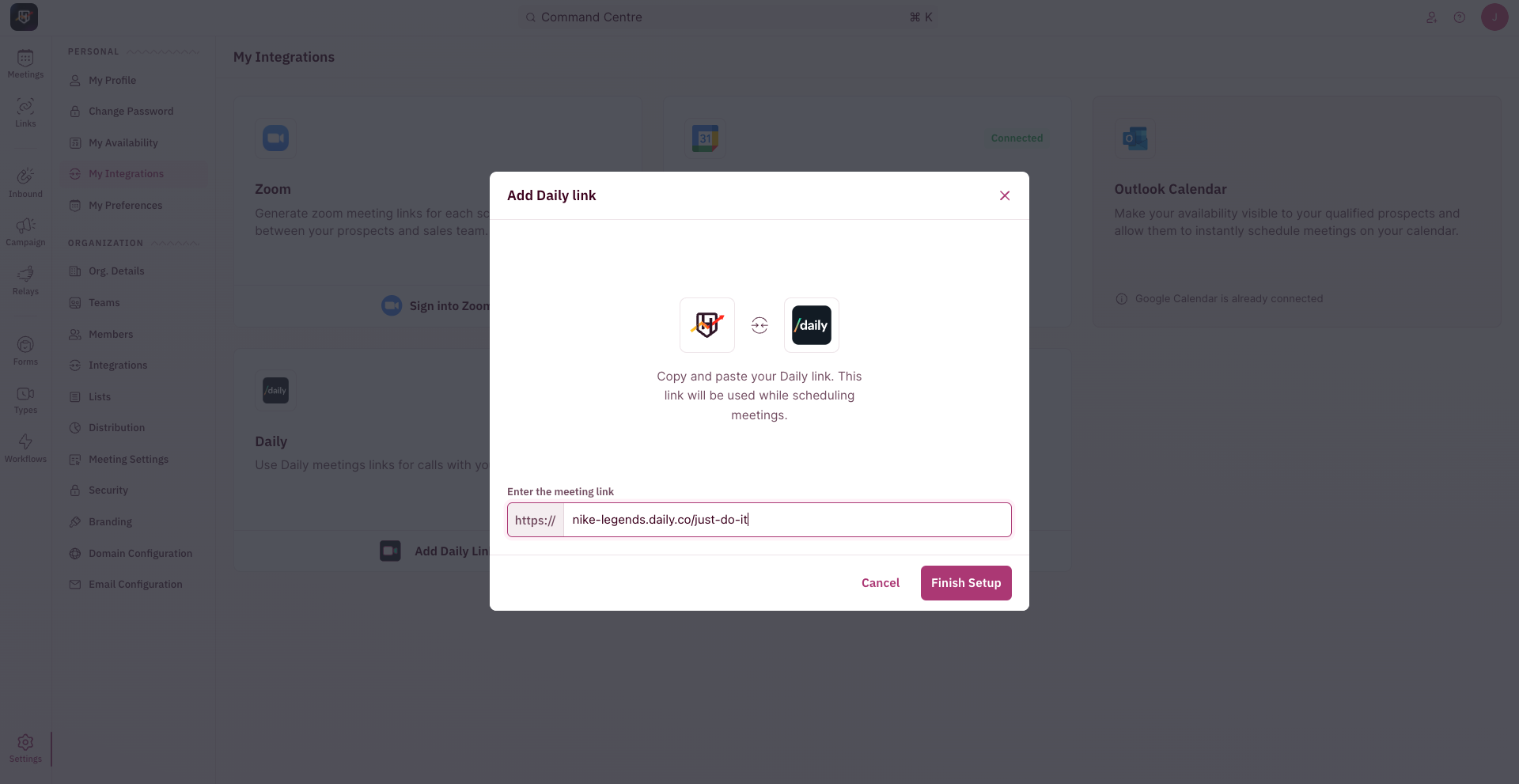
 4. In the pop-up, paste the Room's URL copied from step #1 and click on **Finish Setup**
 5. You should be redirected to a confirmation page that shows a successful integration and your Room link. You can change and save it here if needed.
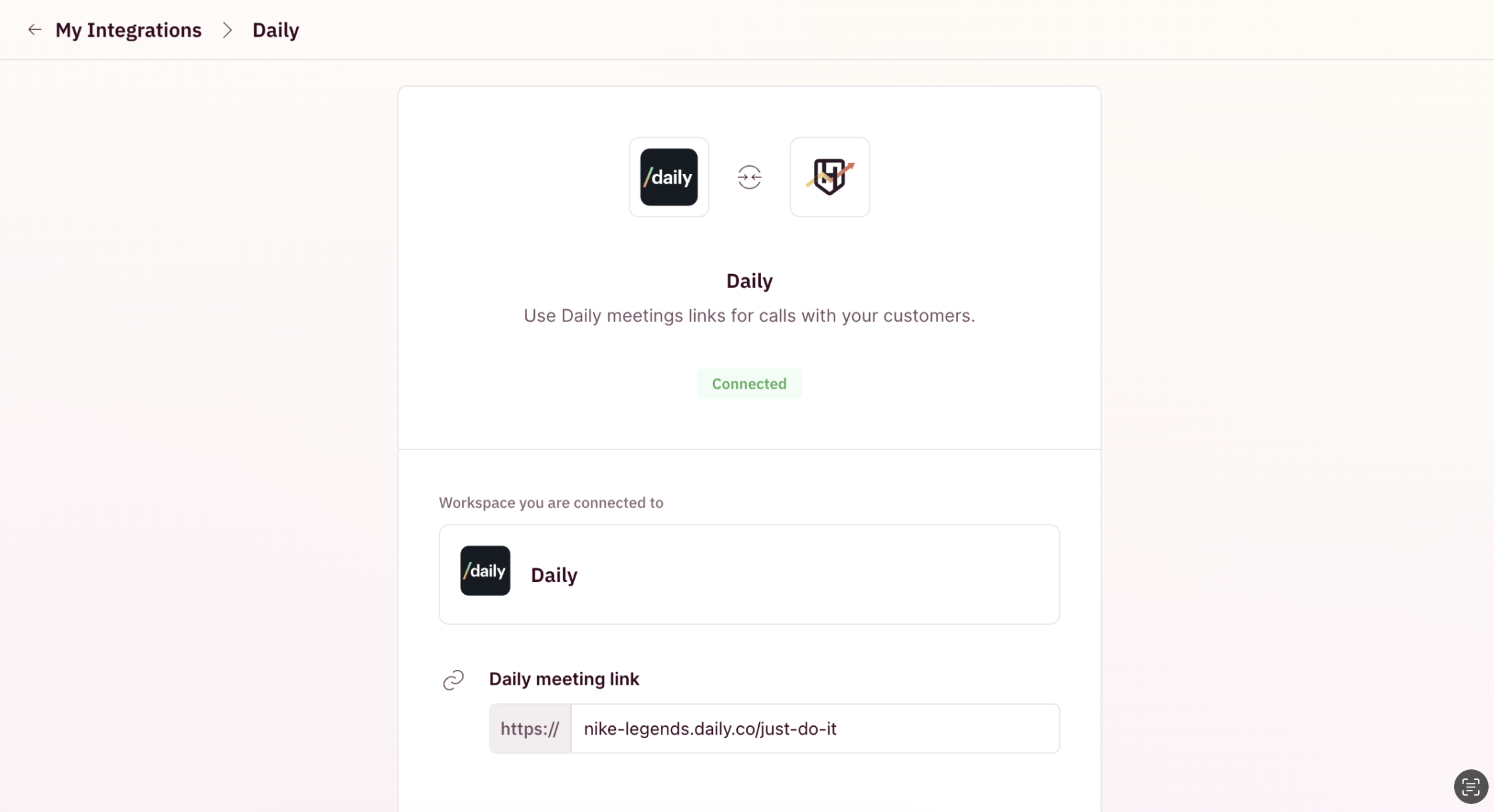 Once Daily is integrated, all new meeting invites from RevenueHero will have this Daily conference link included automatically 🎉