> ## Documentation Index
> Fetch the complete documentation index at: https://help.revenuehero.io/llms.txt
> Use this file to discover all available pages before exploring further.
# How to integrate Slack?
> Connect Slack so RevenueHero can post routing and booking notifications to your channels and reps.
When a meeting books or a lead gets routed, the rep should know without checking another tab. Connecting Slack lets RevenueHero post those notifications straight into your channels and DMs, so your team reacts in the place they already live. It's also what powers the Slack steps in your [workflows](/workflows/create-workflow).
**ABOUT THE BOT**
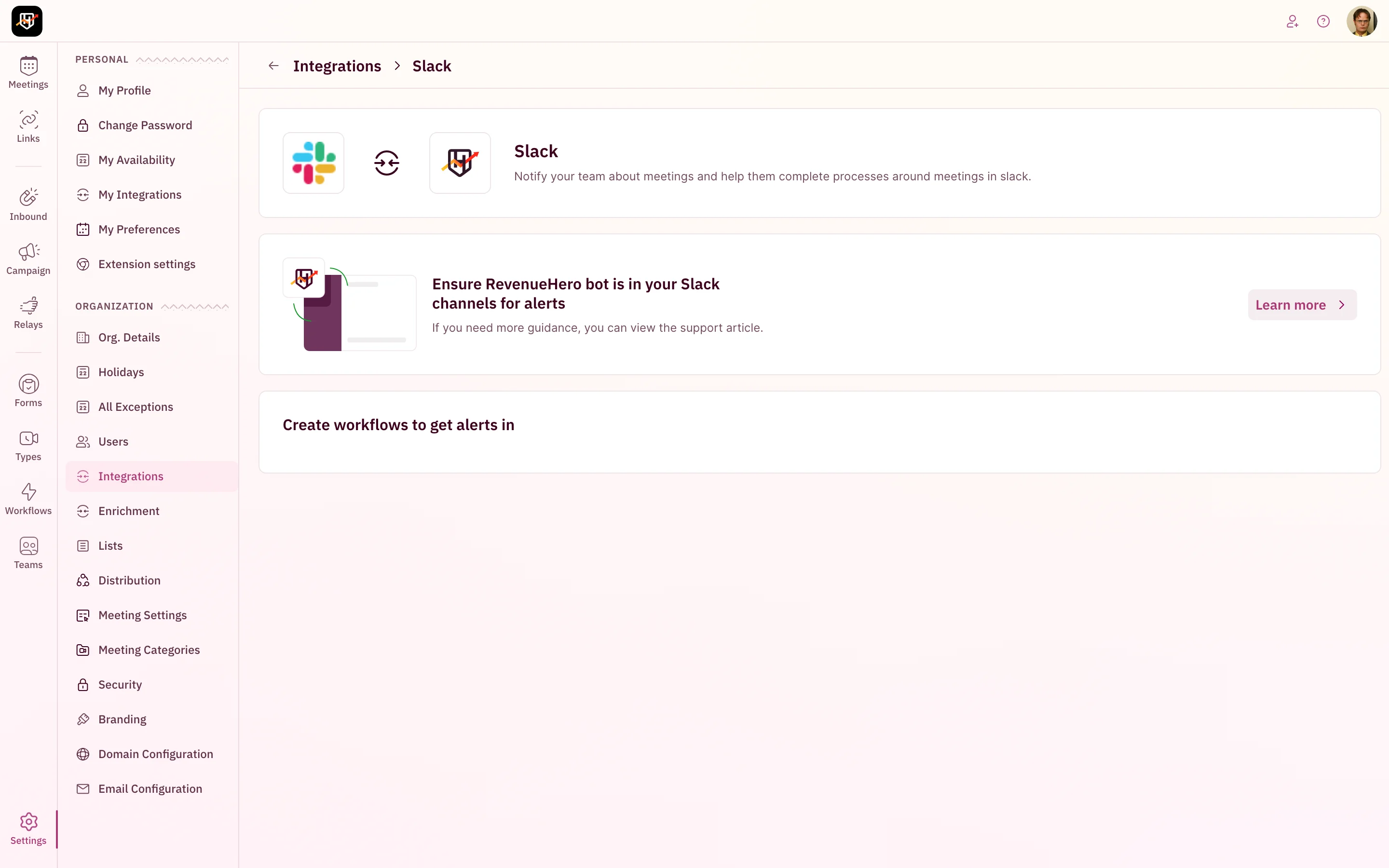
Once Slack is connected, RevenueHero can see all public channels. For a **private** channel, you have to add the RevenueHero bot to it before RevenueHero can fetch its name or post there. Add the bot by typing **@revenuehero** in the channel and pressing enter; you'll see a confirmation that the bot has joined.
## Connect Slack
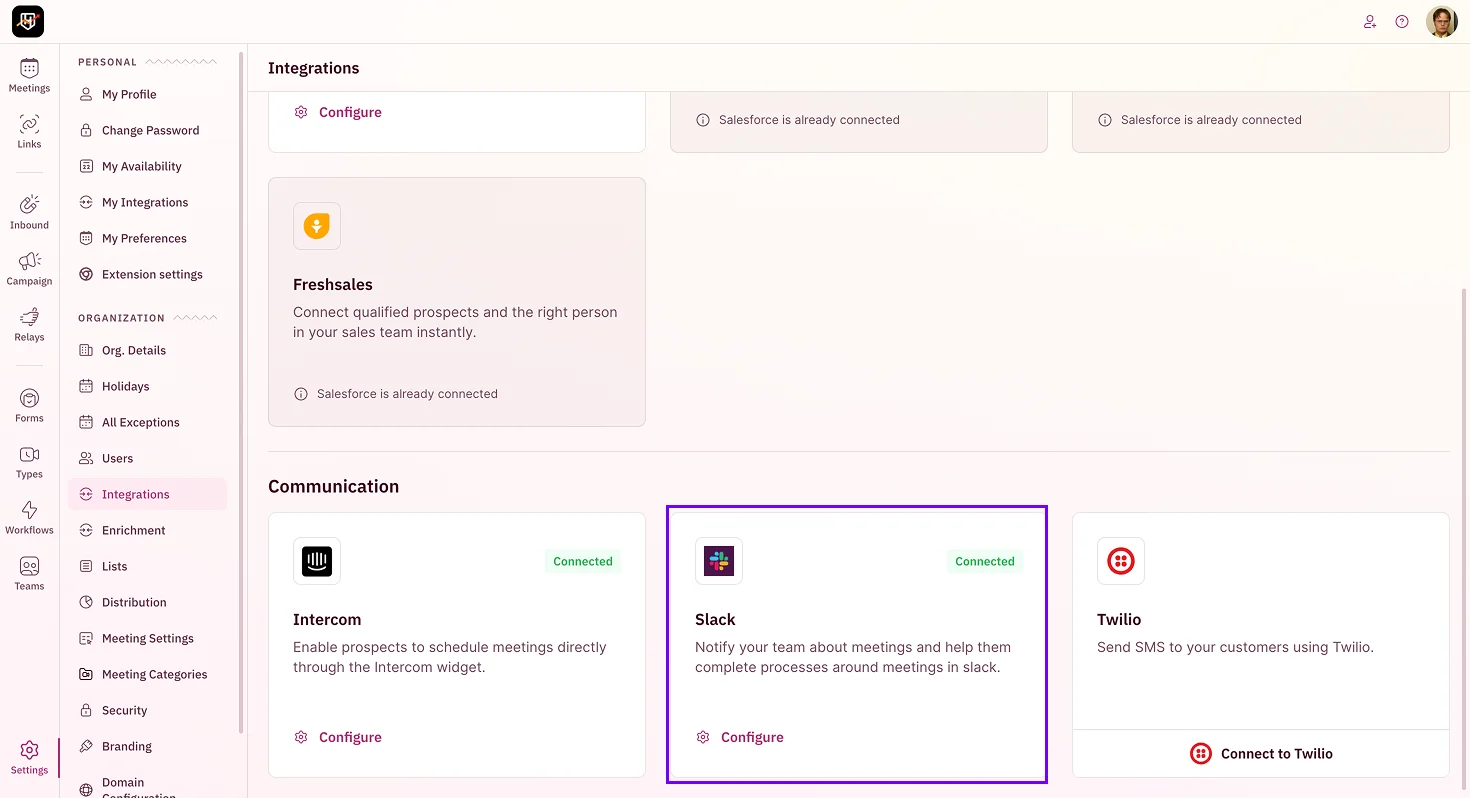
1. In the left sidebar, click **Settings → Integrations**.
2. On the **Slack** card in the Communication section, click **Add to Slack**.
 3. Choose the Slack workspace to connect and review the permissions.
4. Click **Allow** to finish. You'll see a confirmation that the integration is connected.
Decide where notifications should land before you wire up workflows. A single "new meetings" channel is easy to start with; per-team channels scale better once volume grows, but remember to add the bot to each private one.
***
Slack is connected. Your team gets routing and booking updates where they already work. 🎉🎉🎉
Add Slack notifications to your flows.
Text reminders to prospects.
3. Choose the Slack workspace to connect and review the permissions.
4. Click **Allow** to finish. You'll see a confirmation that the integration is connected.
Decide where notifications should land before you wire up workflows. A single "new meetings" channel is easy to start with; per-team channels scale better once volume grows, but remember to add the bot to each private one.
***
Slack is connected. Your team gets routing and booking updates where they already work. 🎉🎉🎉
Add Slack notifications to your flows.
Text reminders to prospects.