> ## Documentation Index
> Fetch the complete documentation index at: https://help.revenuehero.io/llms.txt
> Use this file to discover all available pages before exploring further.
# How to create a form in RevenueHero?
> Creating a form is simple and easy. This article walks you through each step in detail.
Note: These forms can only be used along with RevenueHero links/relays and **not** as your webform.
Click here to understand more about[ mapping your webform](/web-forms/overview).
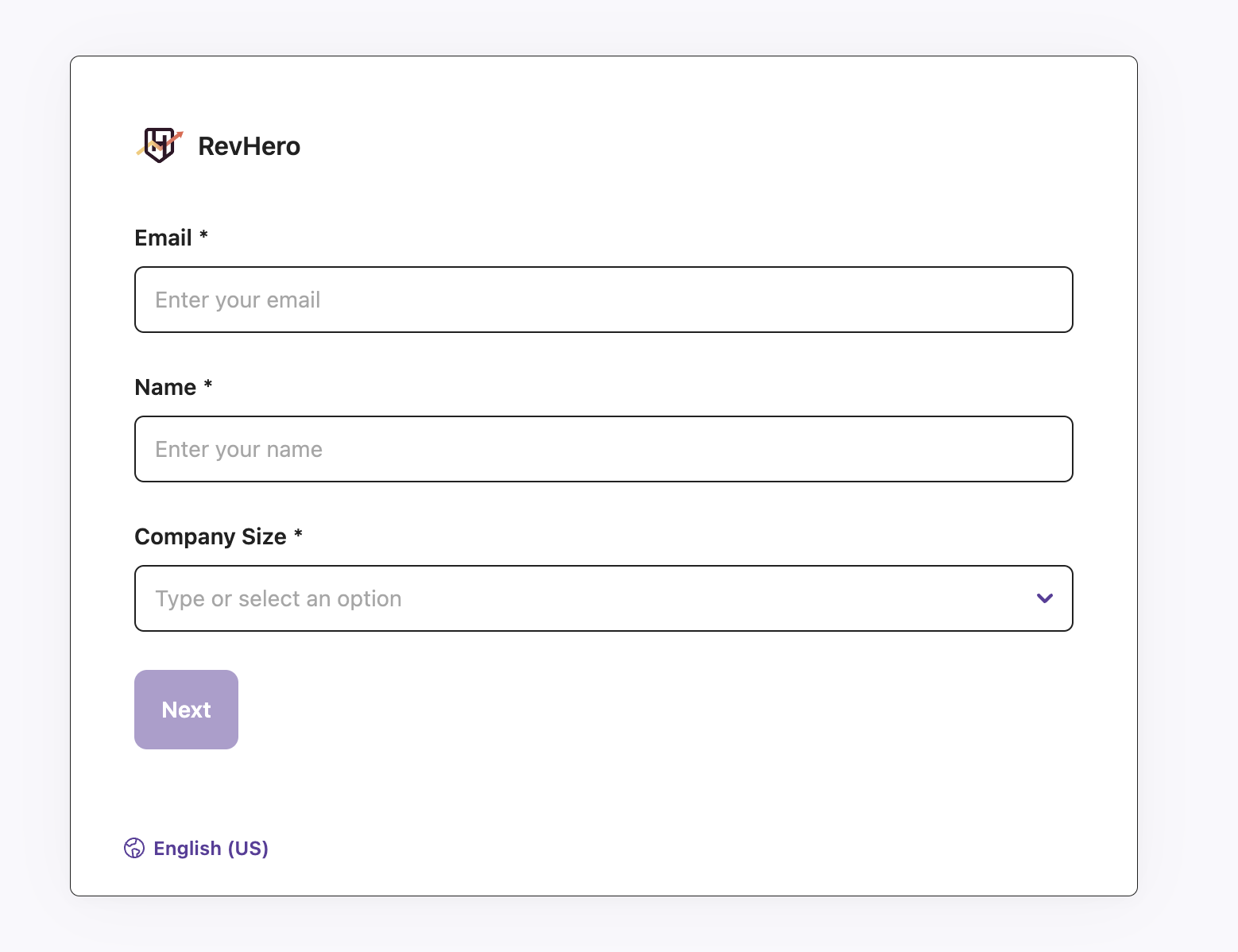
RevenueHero Forms are automatically attached at the end of your [Campaign Router links](/routers/campaign/create-campaign-router) and as the first step in a [Relay](/routers/relays/create-relays).
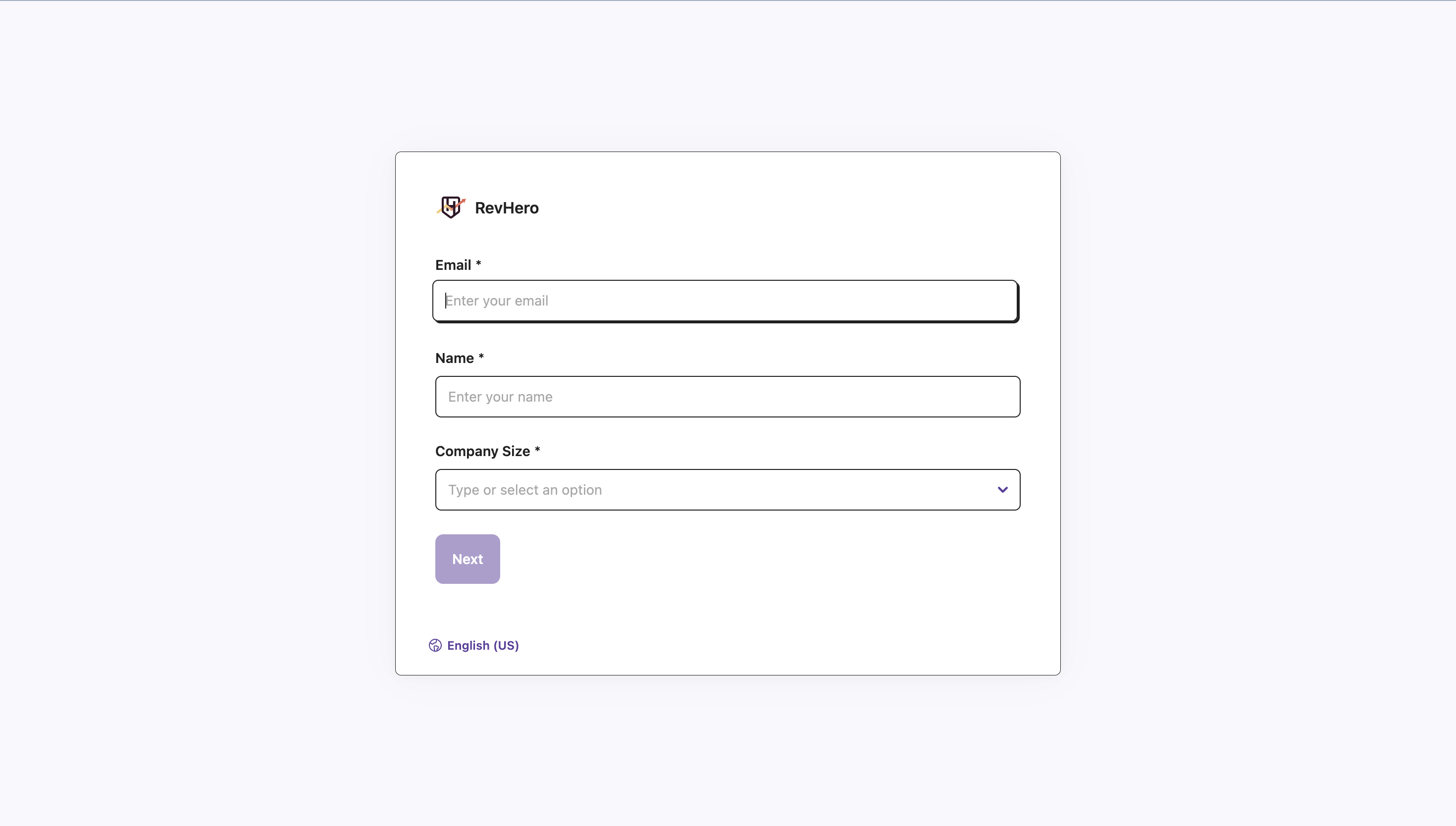 Every campaign router/relay created in RevenueHero will be associated with a pre-built form.
## Create a Form
Here are the steps to create a new form:
1. Click on Forms.
Every campaign router/relay created in RevenueHero will be associated with a pre-built form.
## Create a Form
Here are the steps to create a new form:
1. Click on Forms.
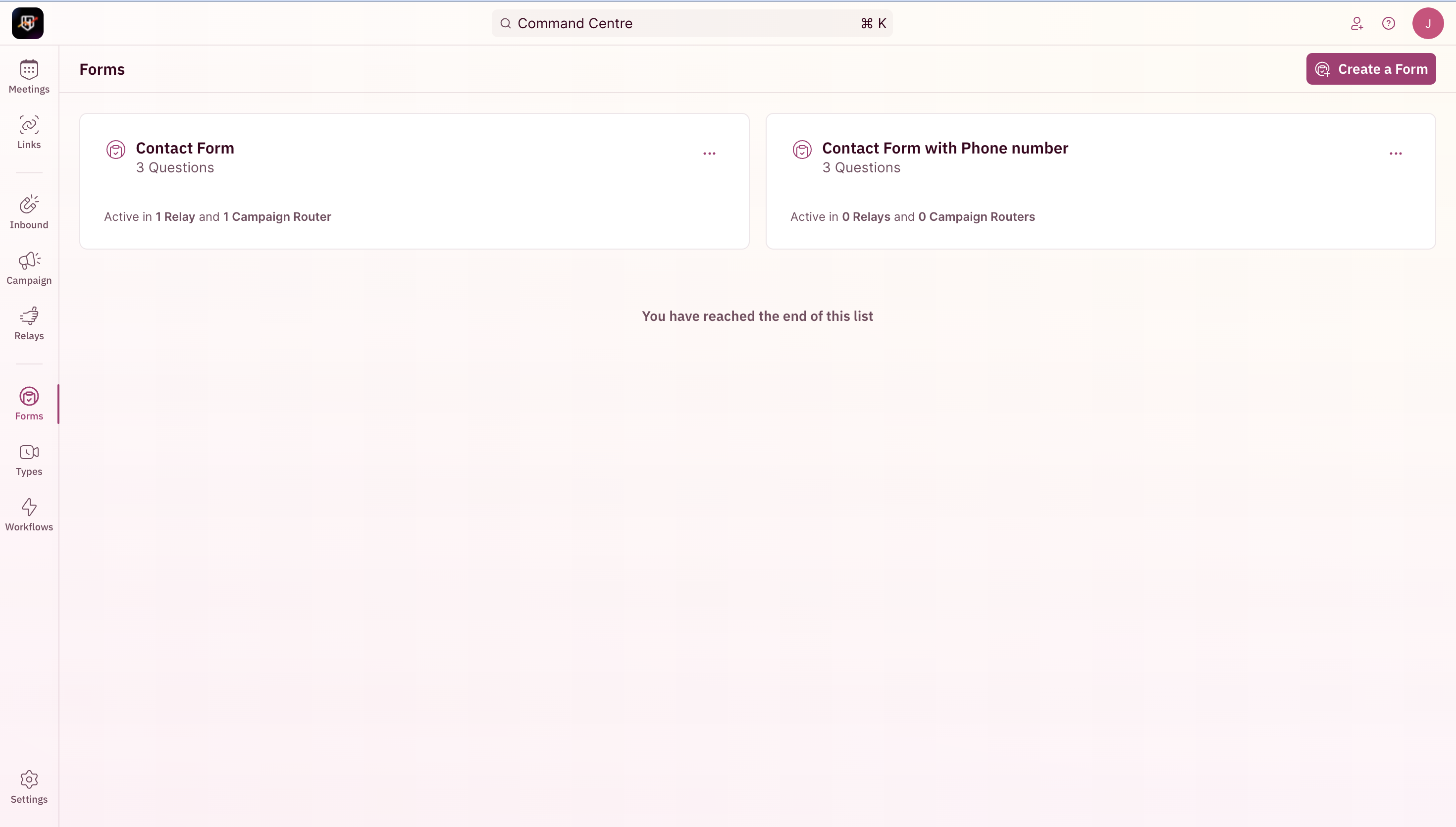 2. Click on **Create a Form** and enter a name.
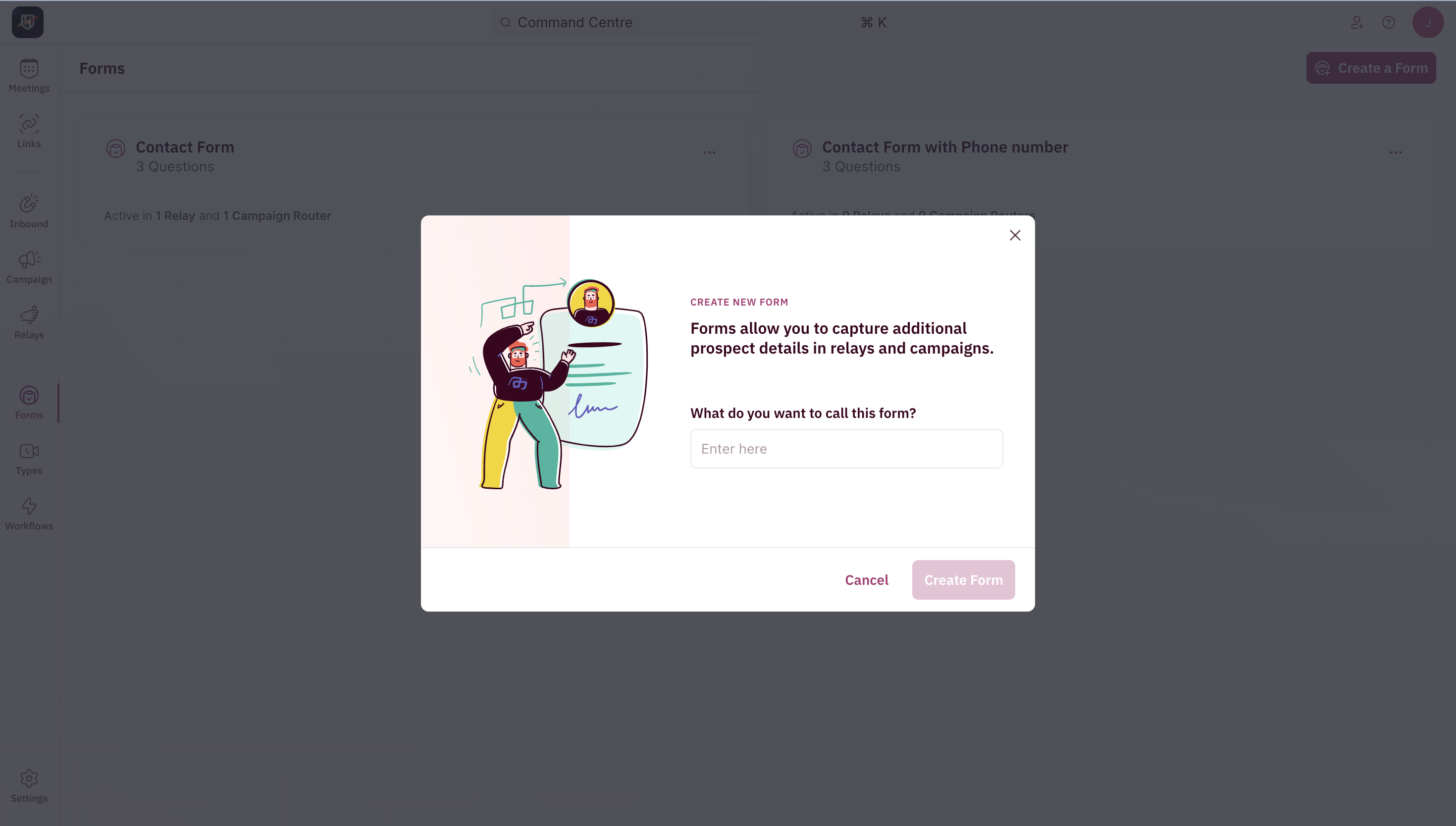 3. Every form will already have an email and name field mapped.
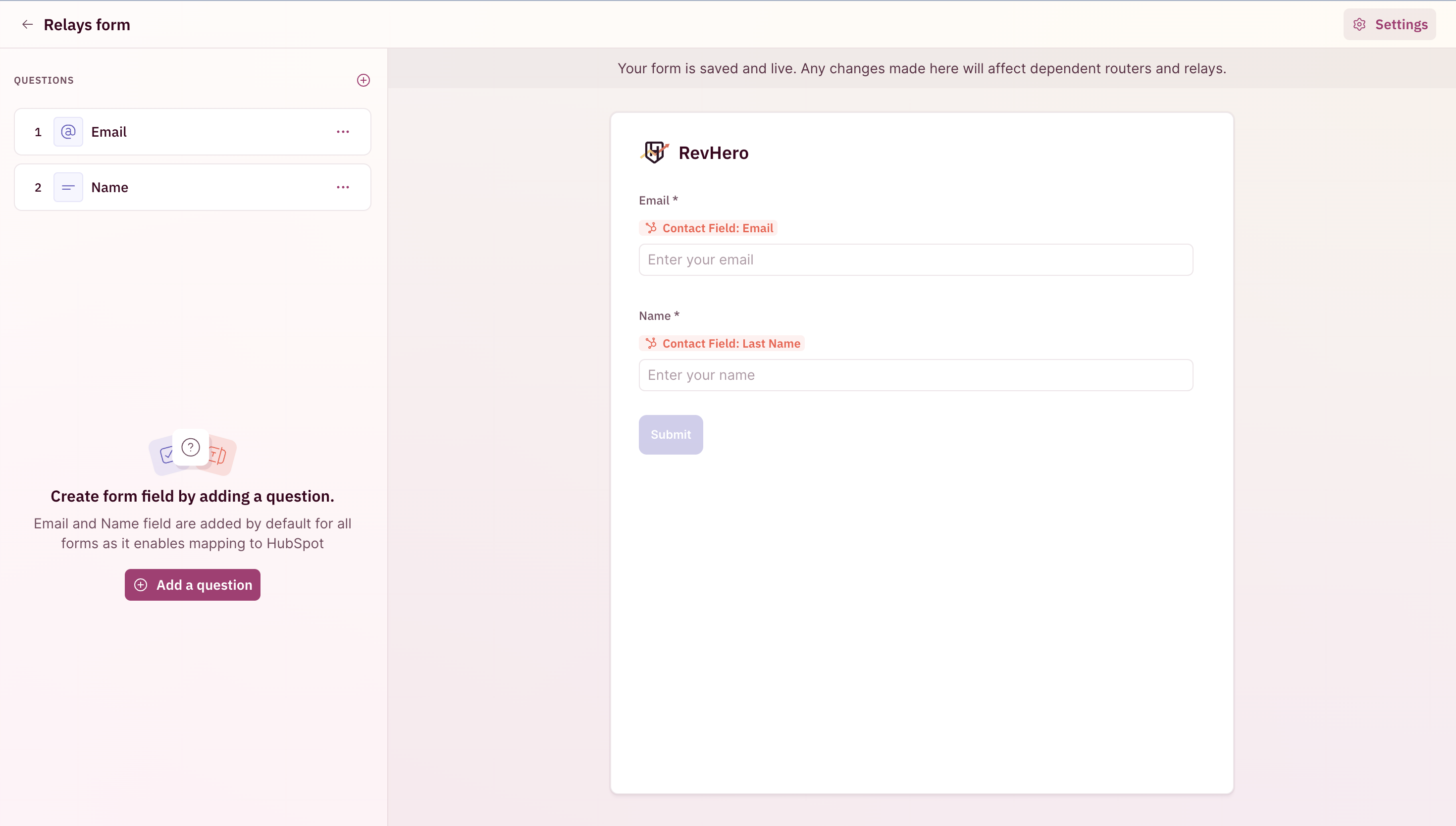 4. Add a question.
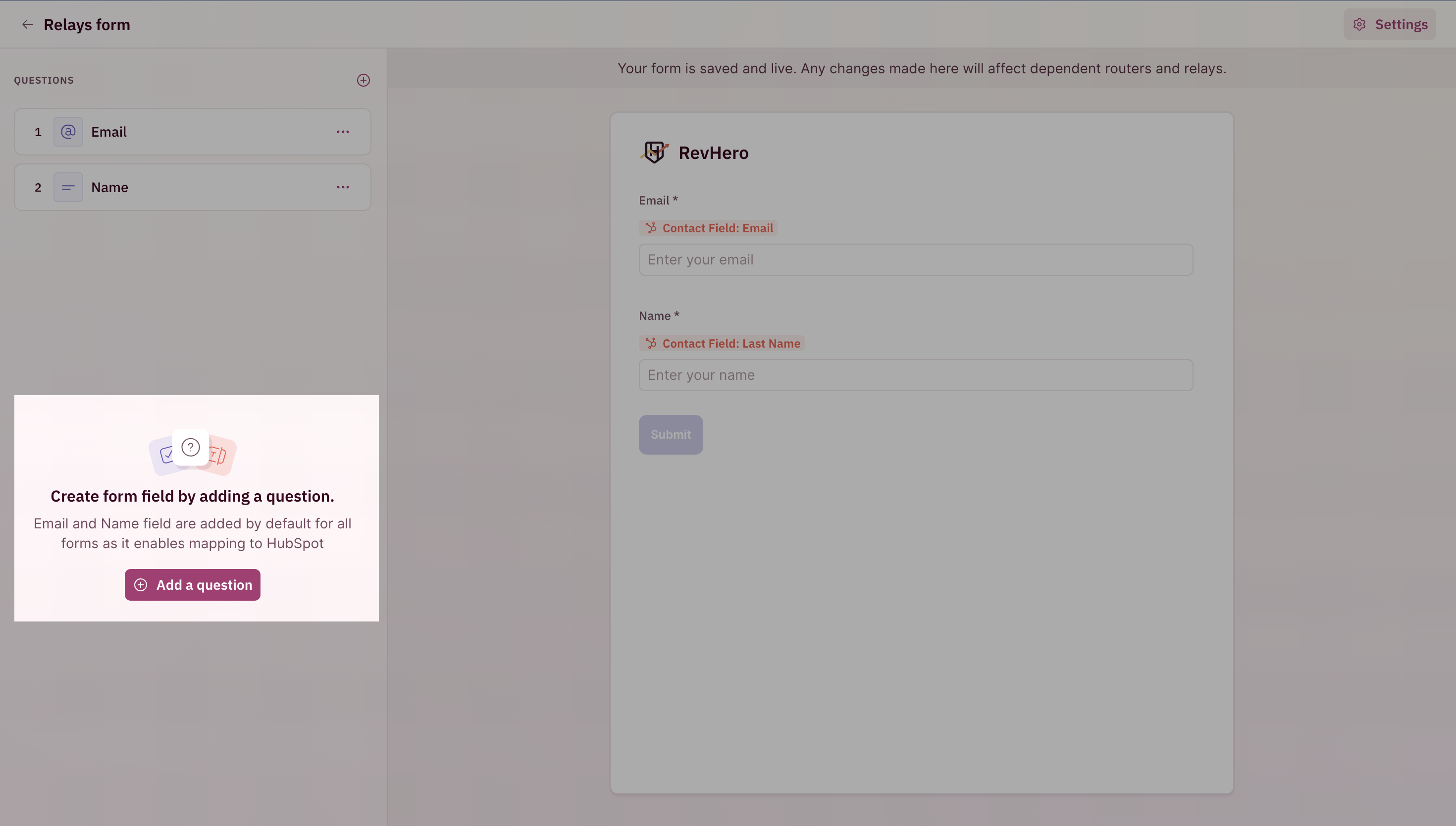 5. In this menu, pick a form field from your CRM.
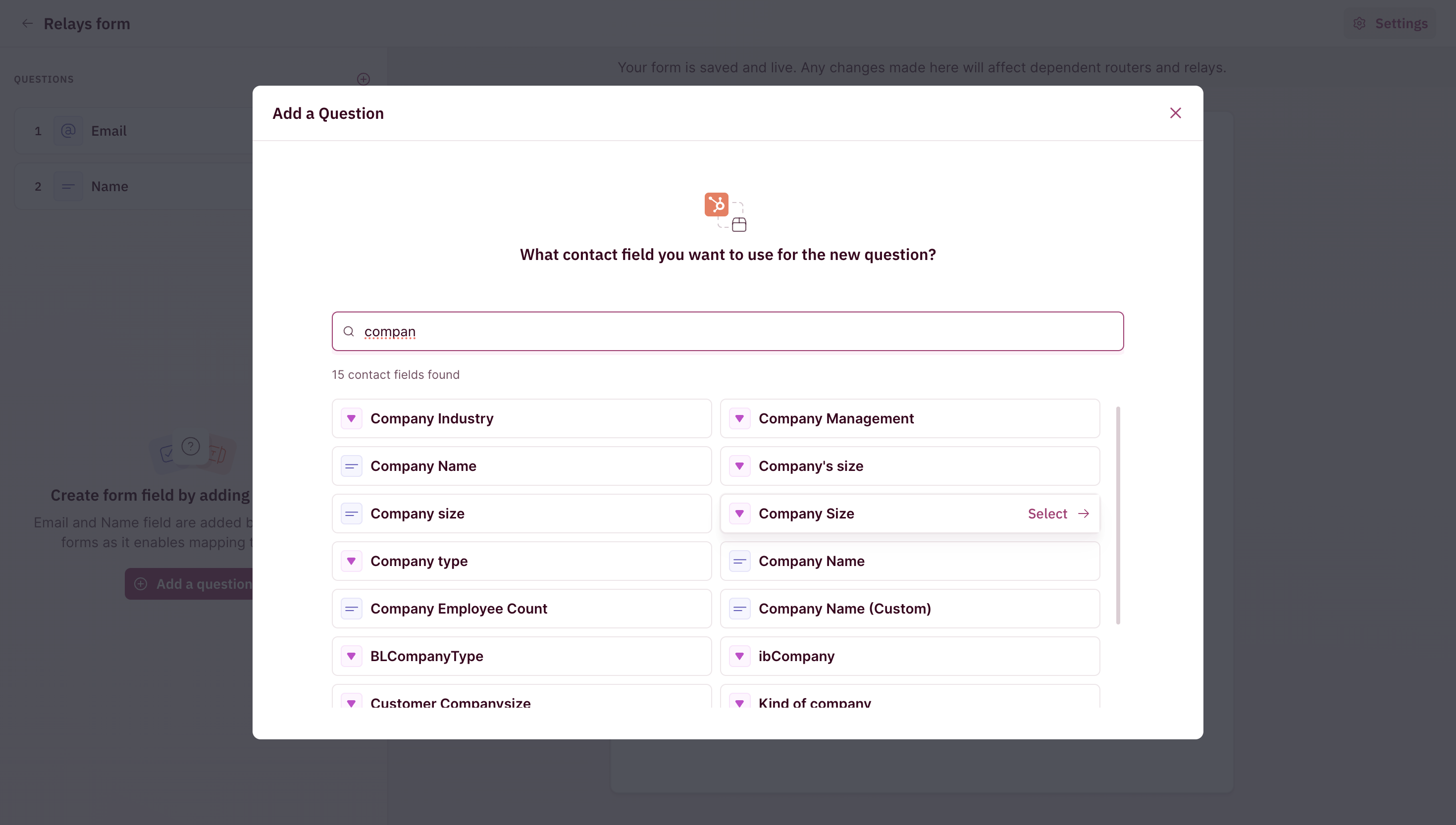 6. Give the form field a label i.e the text on the form when the prospect accesses it and choose between **Mandatory** and **Optional**.
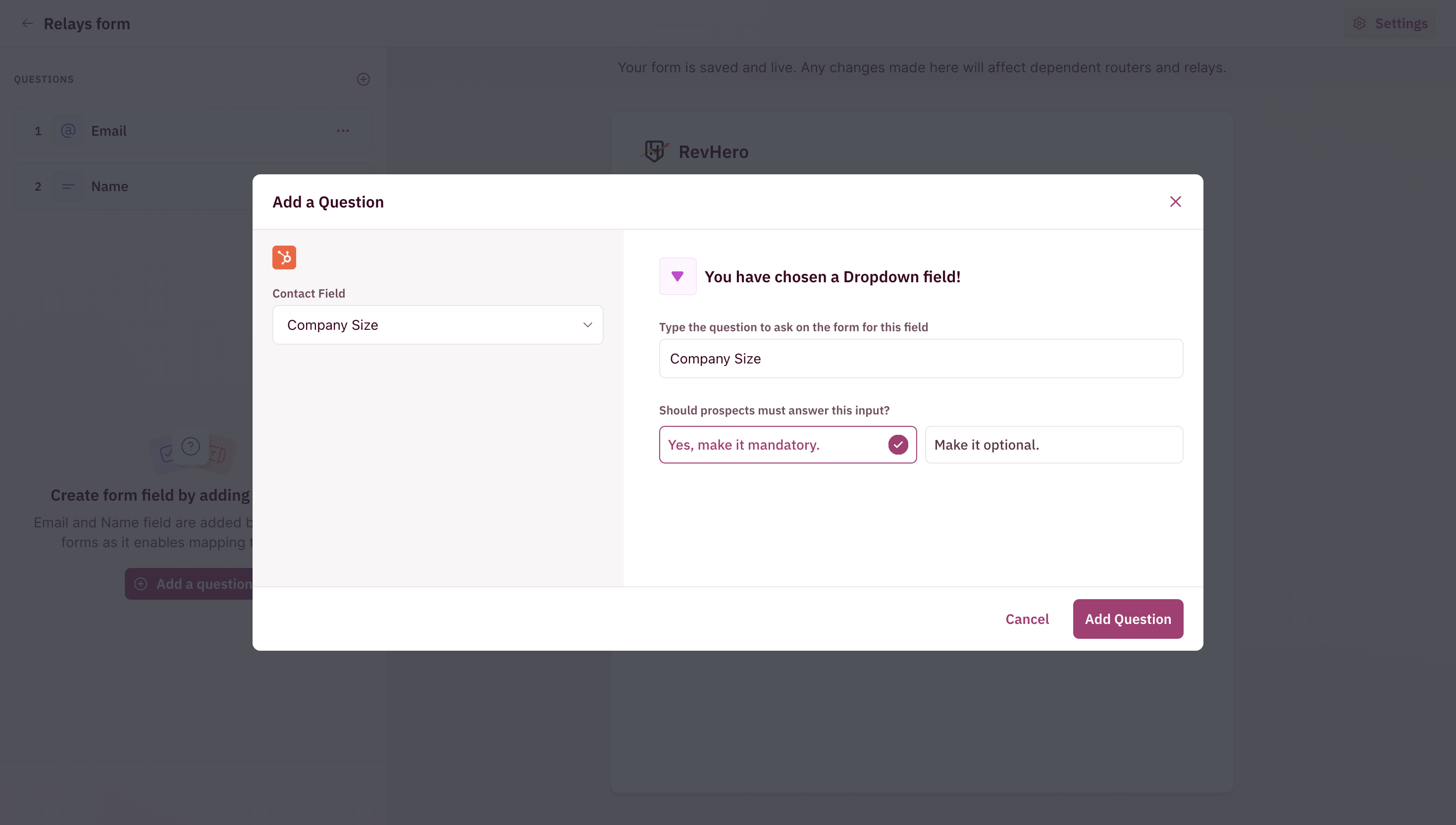 7. Add the desired fields and you're good to go!
You can now add this form to your Campaign Router and your Relays.
***
### Additional Settings
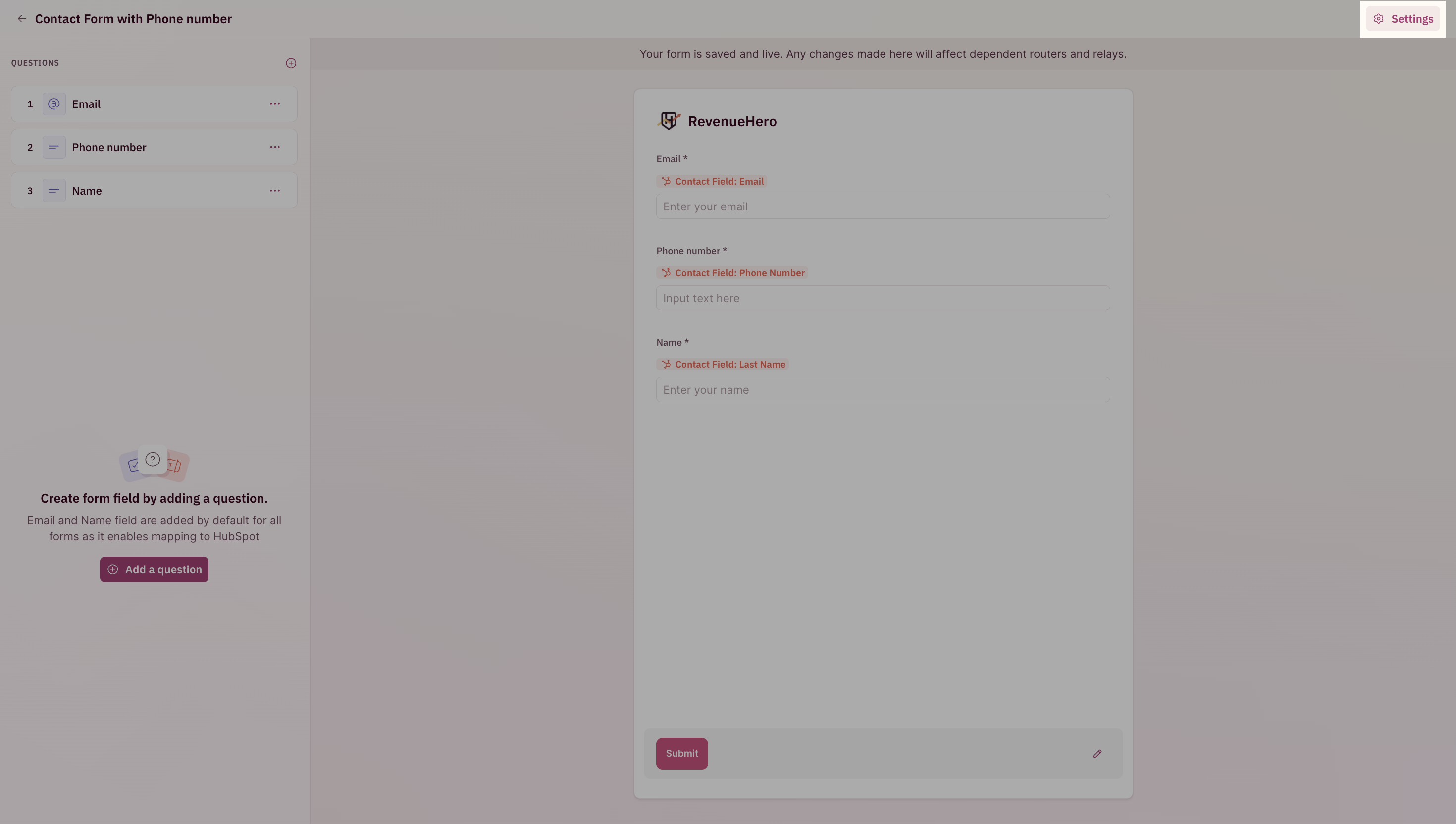
1. Click on Settings in the top-right corner.
7. Add the desired fields and you're good to go!
You can now add this form to your Campaign Router and your Relays.
***
### Additional Settings
1. Click on Settings in the top-right corner.
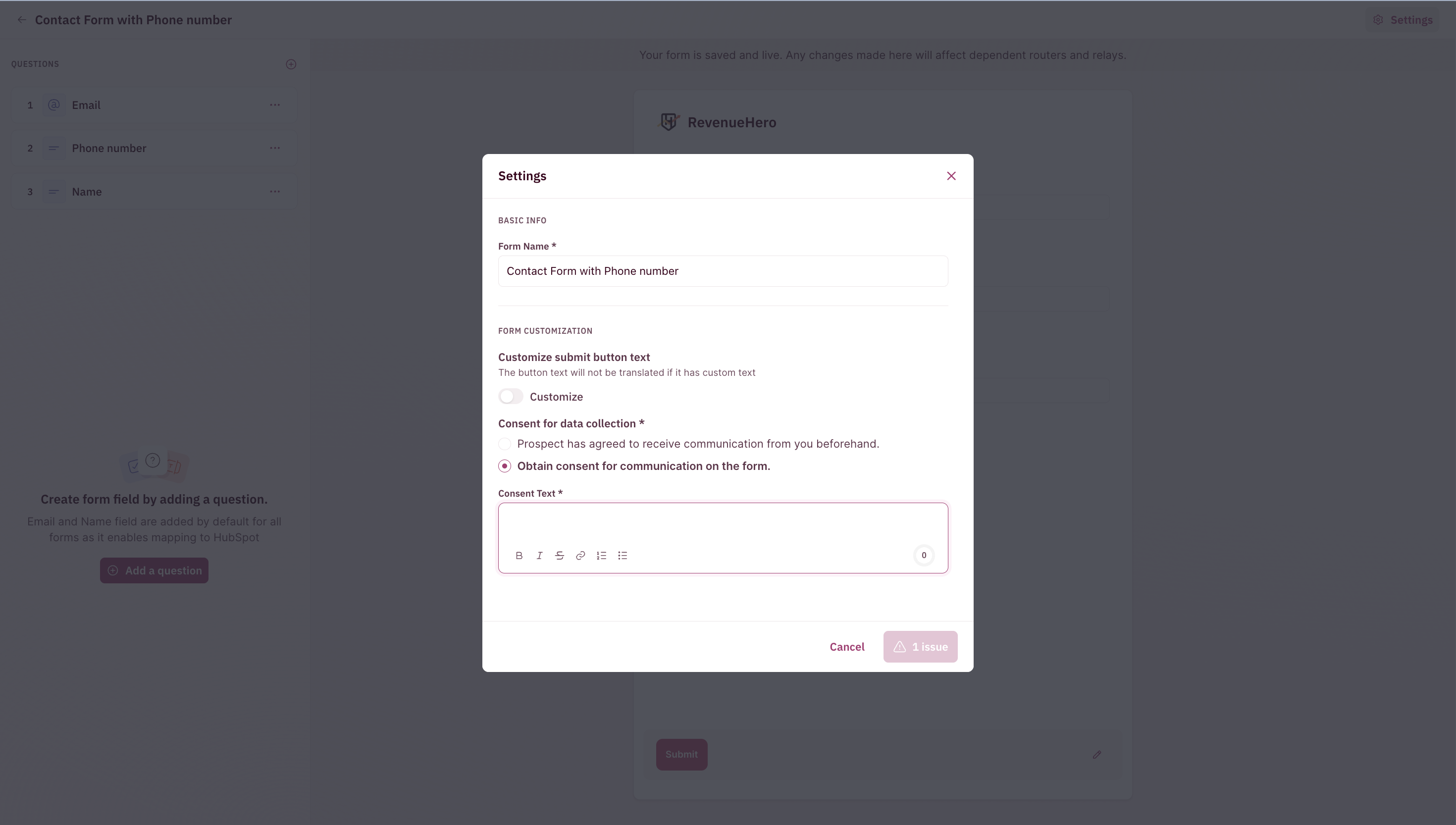
 2. You can edit the following:
* Customize the submit button text
* Add opt-in/consent collection for notifications.
2. You can edit the following:
* Customize the submit button text
* Add opt-in/consent collection for notifications.
 ***
### Adding a form to a Campaign Router
1. Edit the router under **Campaign**
***
### Adding a form to a Campaign Router
1. Edit the router under **Campaign**
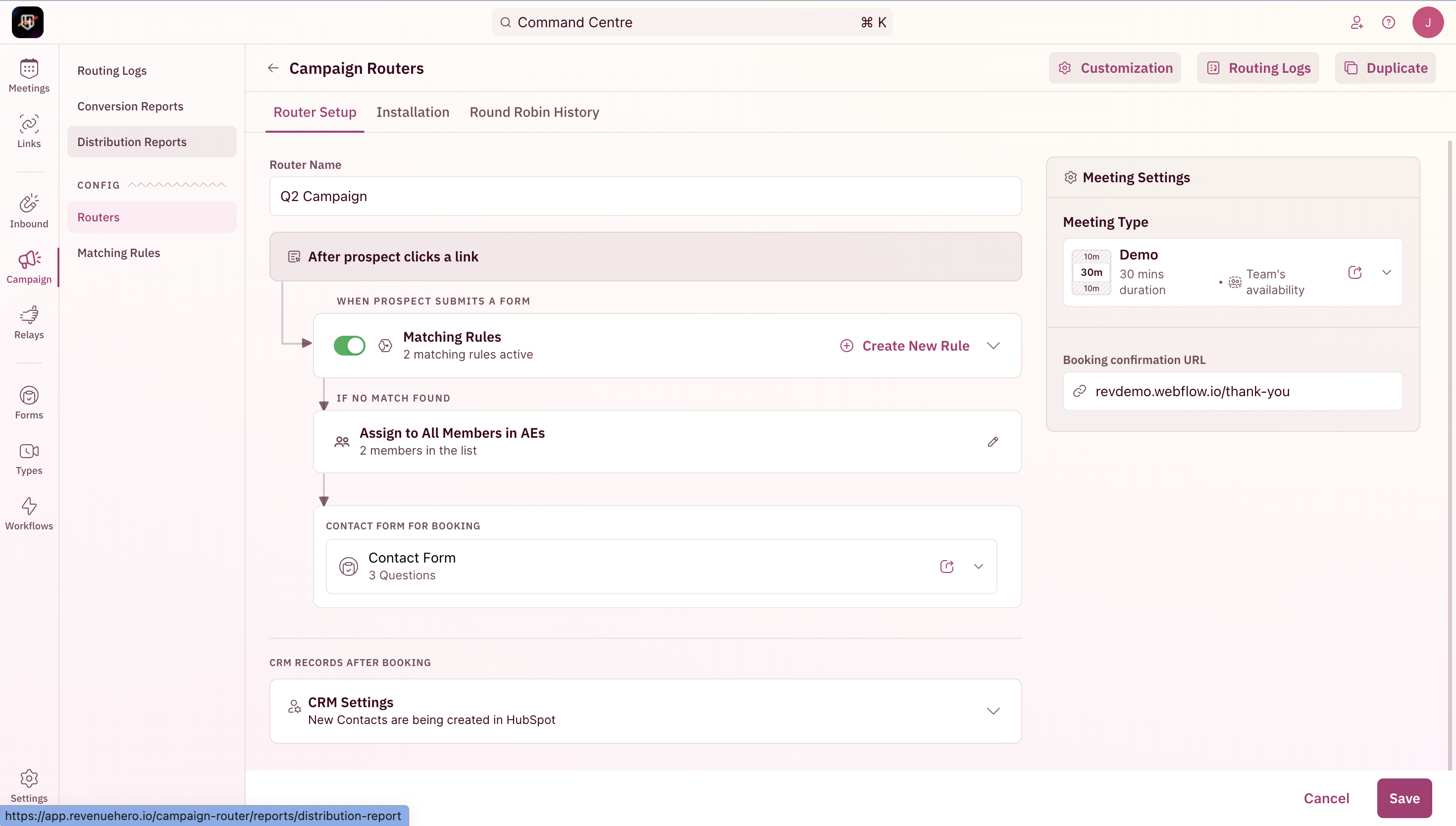 2. Swap out the default form with the one you've edited/created.
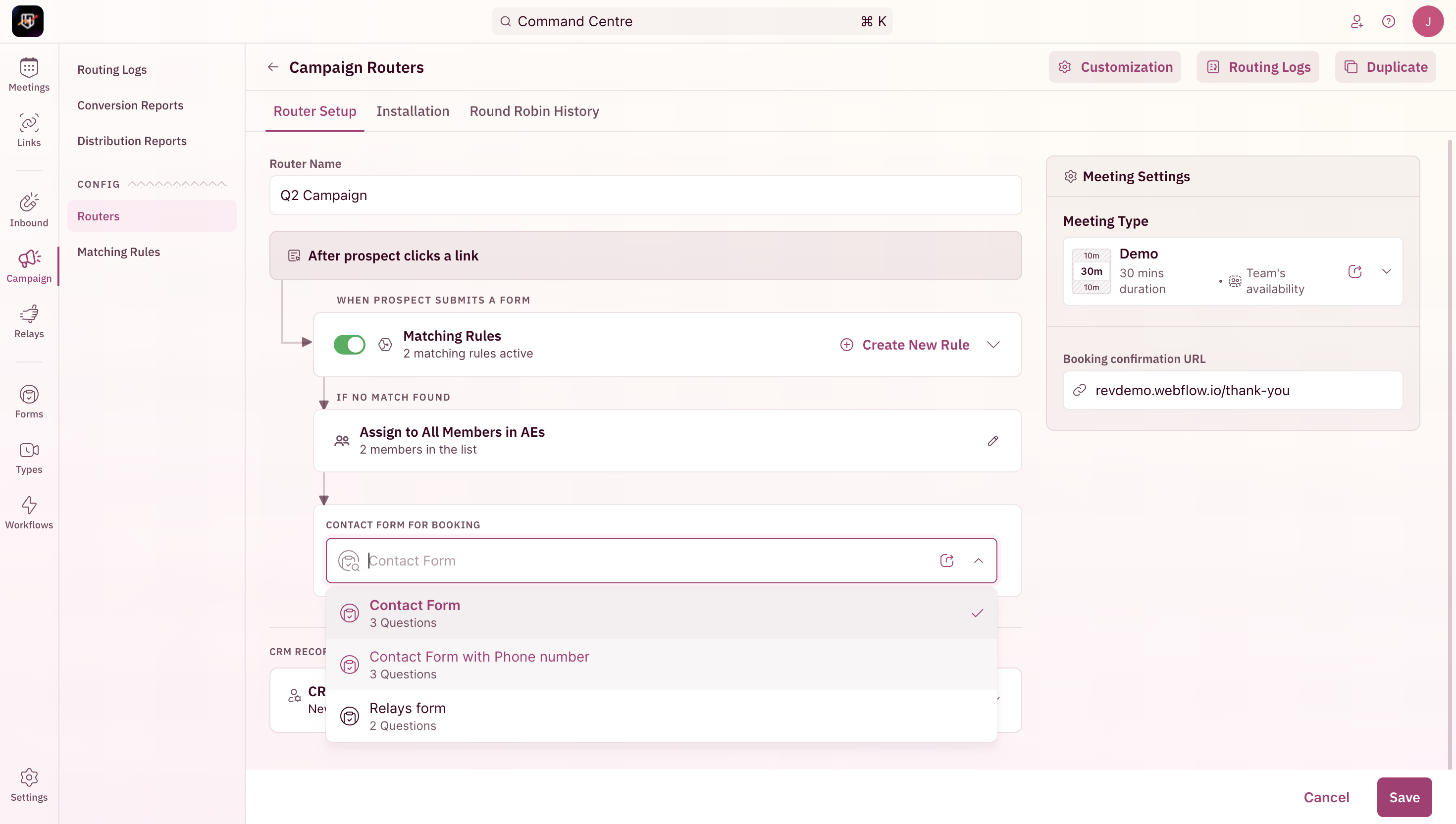 3. Save and we're all set!
The additional form fields attached to a campaign router will pass that information back to the CRM. Conditional routing can't be performed based on this information.
***
### Adding a form to a Relay
1. Edit the specific router under **Relays**
3. Save and we're all set!
The additional form fields attached to a campaign router will pass that information back to the CRM. Conditional routing can't be performed based on this information.
***
### Adding a form to a Relay
1. Edit the specific router under **Relays**
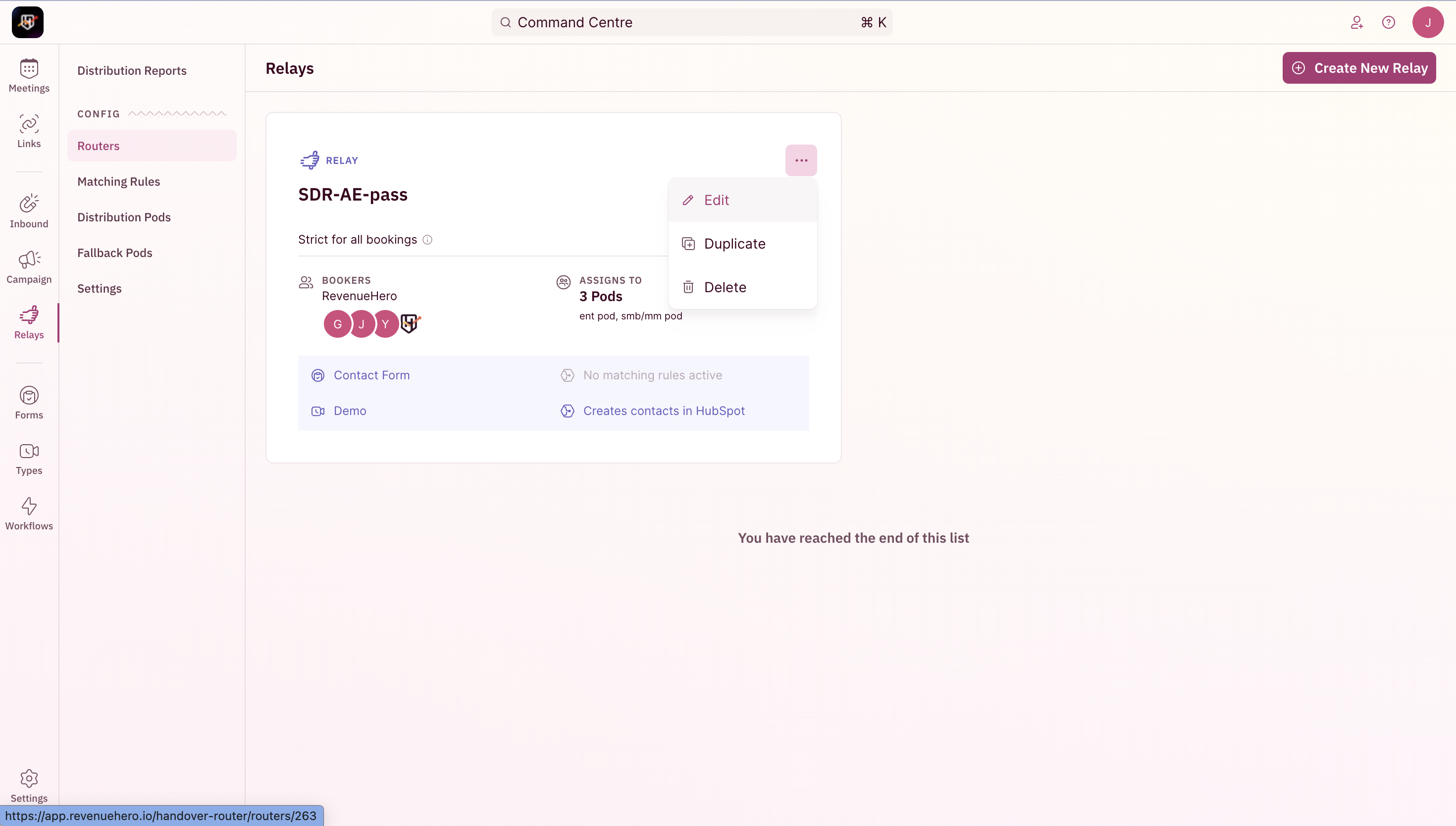 2. Swap out the default form with the one you've edited/created.
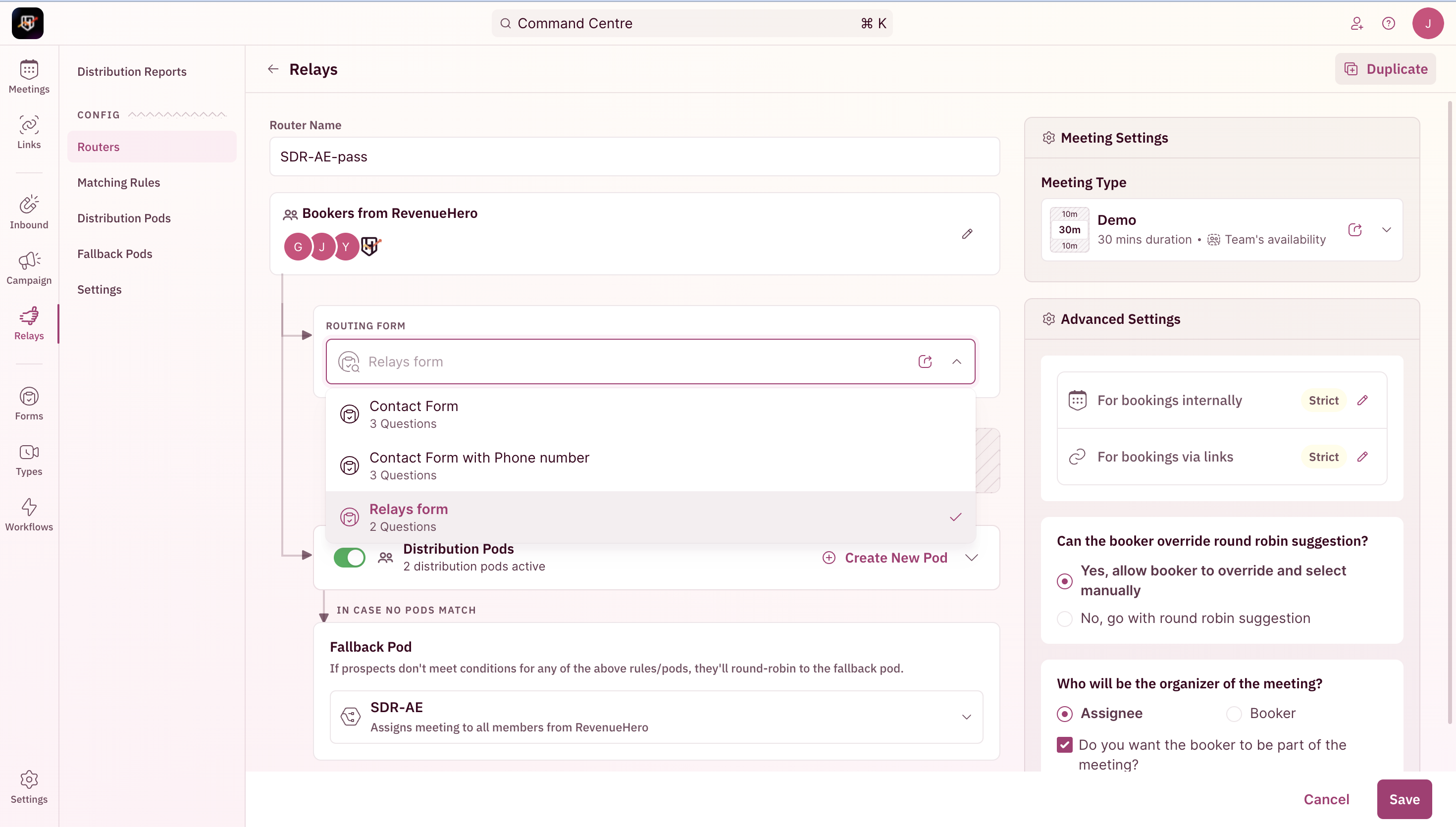 Conditional routing is possible with the information collected by setting your criteria in a distribution pod.
3. Edit your [Distribution Pods](/routers/relays/create-relays#set-up-distribution-pods) and pick the field from **Form Inputs**.
Conditional routing is possible with the information collected by setting your criteria in a distribution pod.
3. Edit your [Distribution Pods](/routers/relays/create-relays#set-up-distribution-pods) and pick the field from **Form Inputs**.
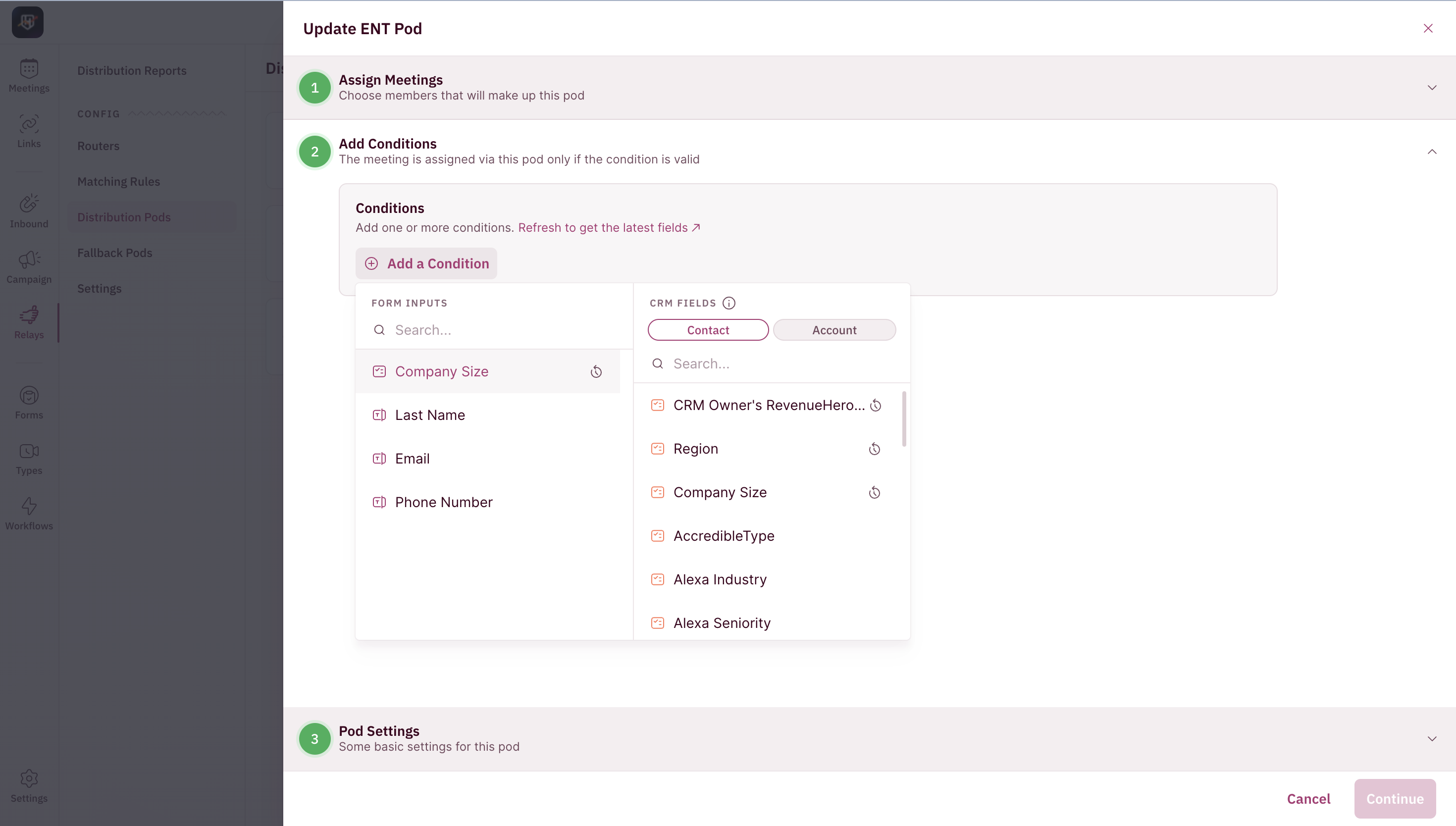 Ensure that a fallback pod is set in case the information collected doesn't match the conditions set.
4. You're all set.
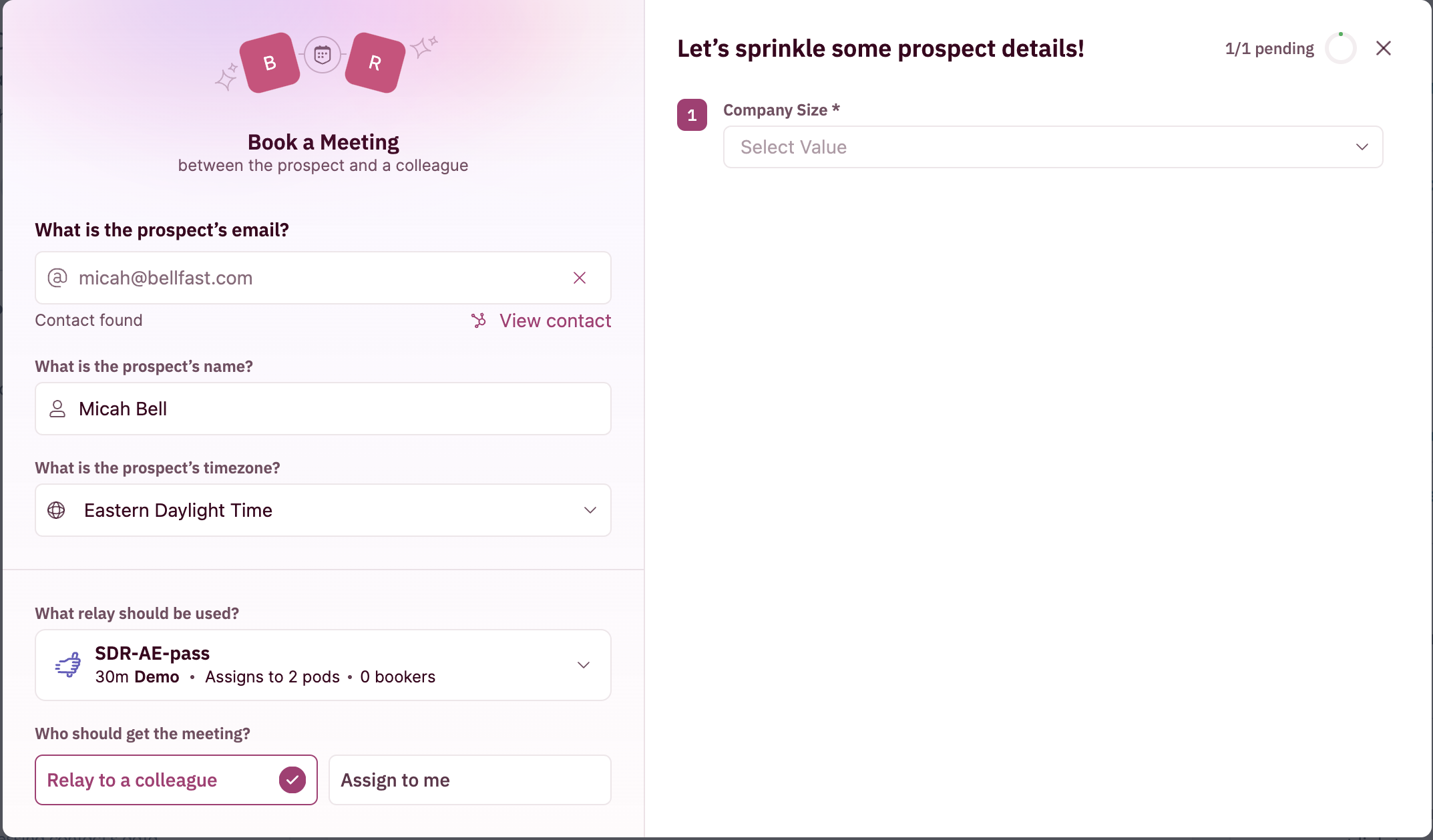
Your reps will be able to fill out these form fields while booking a meeting OR your prospects can fill it out if your reps have sent out a relay link.
Ensure that a fallback pod is set in case the information collected doesn't match the conditions set.
4. You're all set.
Your reps will be able to fill out these form fields while booking a meeting OR your prospects can fill it out if your reps have sent out a relay link.