> ## Documentation Index
> Fetch the complete documentation index at: https://help.revenuehero.io/llms.txt
> Use this file to discover all available pages before exploring further.
# How to change Widget redirection timeout?
After every successful form submission and qualification, RevenueHero displays the scheduler for your prospects to instantly book a meeting with the right sales rep.
Post-booking, you have the option to redirect them to a different URL.
The time delay after which the user gets redirected can be set up from the 'Scheduler Settings' section.
From the left navigation menu, click on "**Settings**" and head to the "**Scheduler Settings**" section.
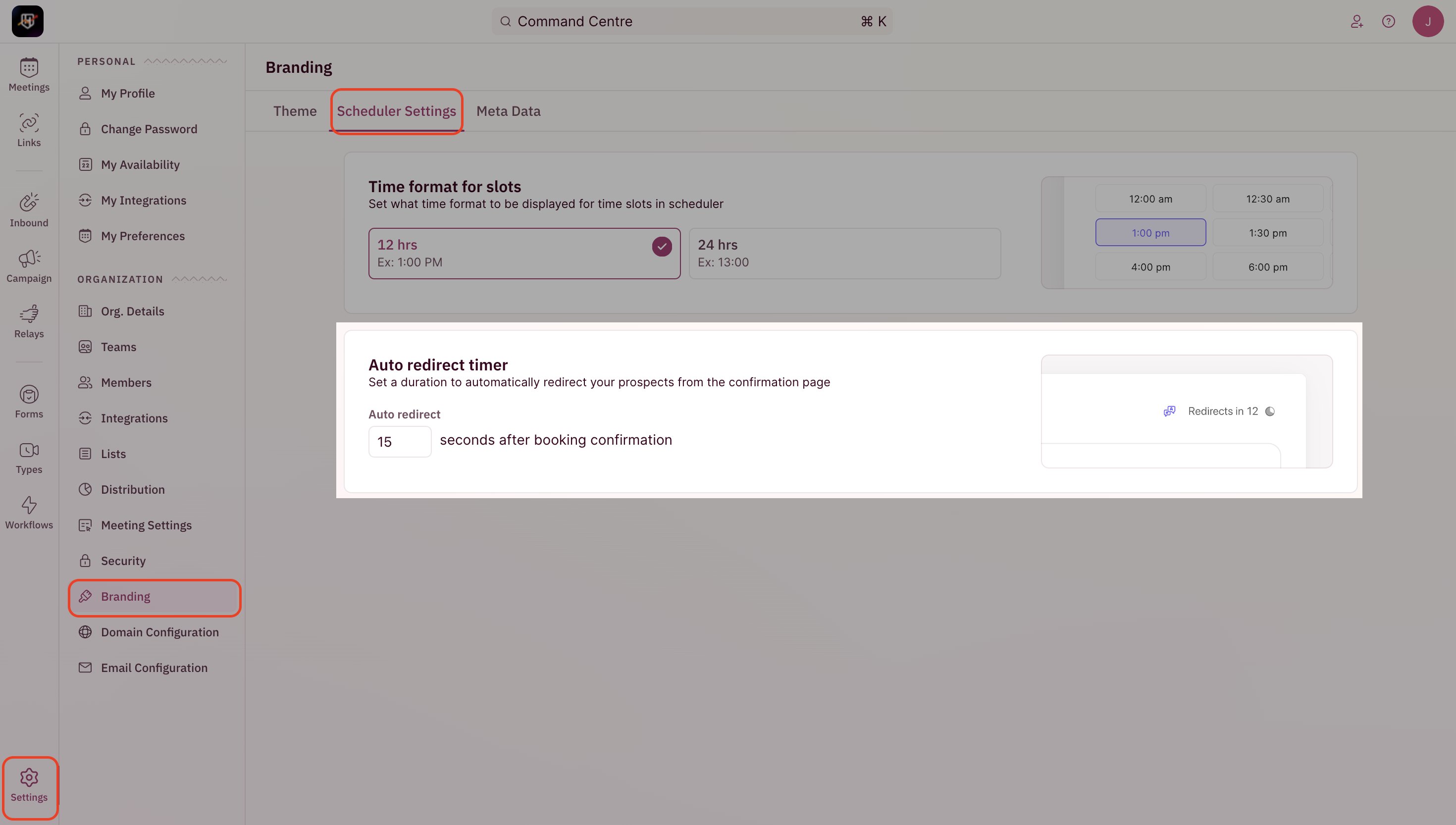 Here, you can set the time delay for the redirects. The same settings will be applied for all the users in your account if they choose to have a redirect option in their Personal Meeting Links.