> ## Documentation Index
> Fetch the complete documentation index at: https://help.revenuehero.io/llms.txt
> Use this file to discover all available pages before exploring further.
# Setting Your Booking Preferences
> Set up your default preferences for Relays.
If this option is not visible, contact your admin to add you to a relay (if applicable).
### Accessing Your Preferences
1. Go to **Settings** → **My Preferences**
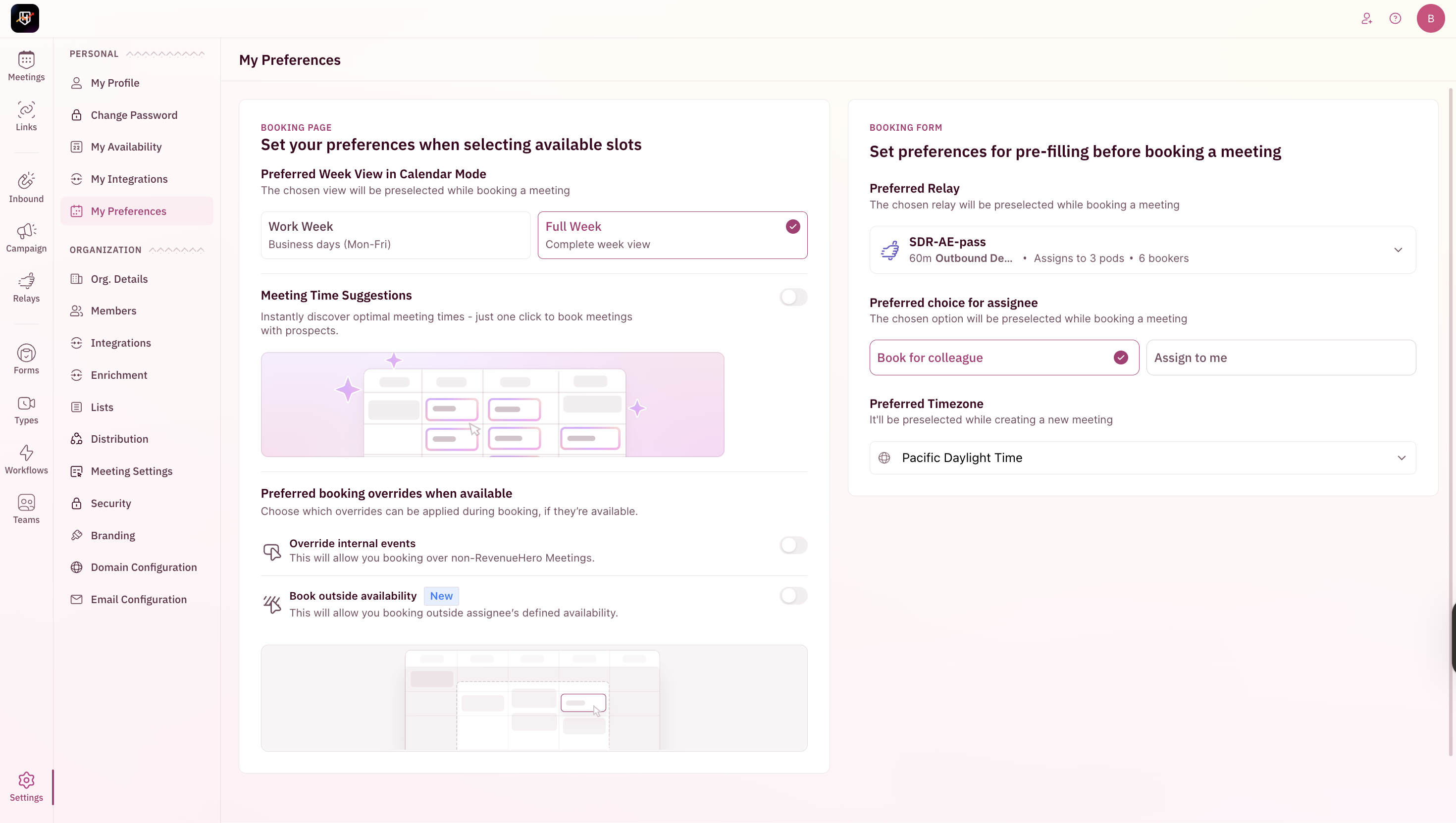
2. You’ll find options to customise your **Booking Page** and **Booking Form** preferences
 ## Booking Page
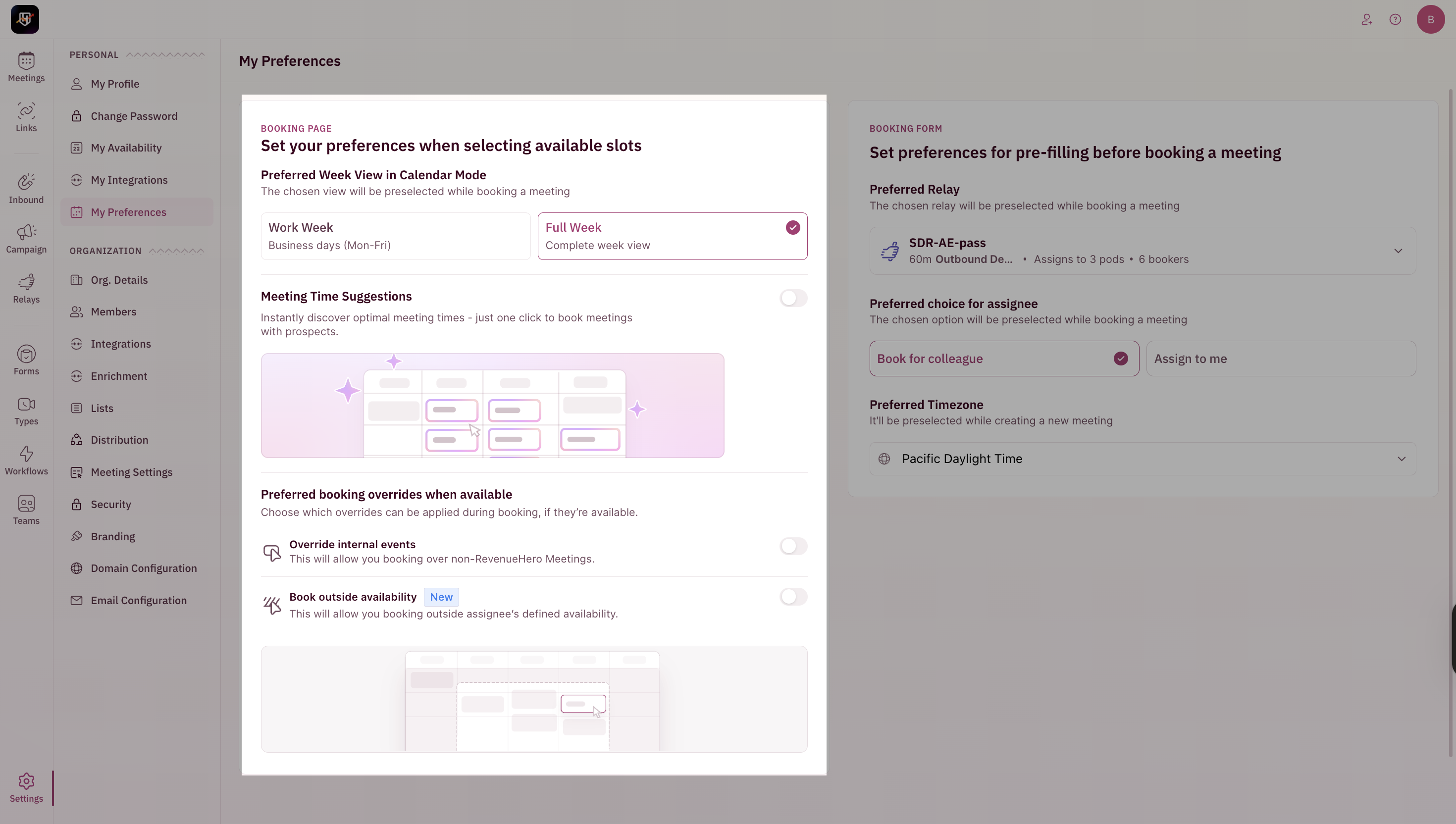 **Preferred Week View**\
Choose how your calendar appears while booking:
* **Work Week**: View only weekdays
* **Full Week**: View all 7 days
**Meeting Time Suggestions**\
Enable **Meeting Time Suggestions** to quickly find optimal meeting times and book with one click.
## **Override Settings**
\
Choose which overrides can be applied during booking, if they’re available.
* **Override Internal Meetings** → Allows booking over non-RevenueHero meetings on the assignee’s calendar.
* **Book Outside Working Hours** → Lets you book meetings beyond the assignee’s defined availability.
## Booking Form
**Preferred Week View**\
Choose how your calendar appears while booking:
* **Work Week**: View only weekdays
* **Full Week**: View all 7 days
**Meeting Time Suggestions**\
Enable **Meeting Time Suggestions** to quickly find optimal meeting times and book with one click.
## **Override Settings**
\
Choose which overrides can be applied during booking, if they’re available.
* **Override Internal Meetings** → Allows booking over non-RevenueHero meetings on the assignee’s calendar.
* **Book Outside Working Hours** → Lets you book meetings beyond the assignee’s defined availability.
## Booking Form
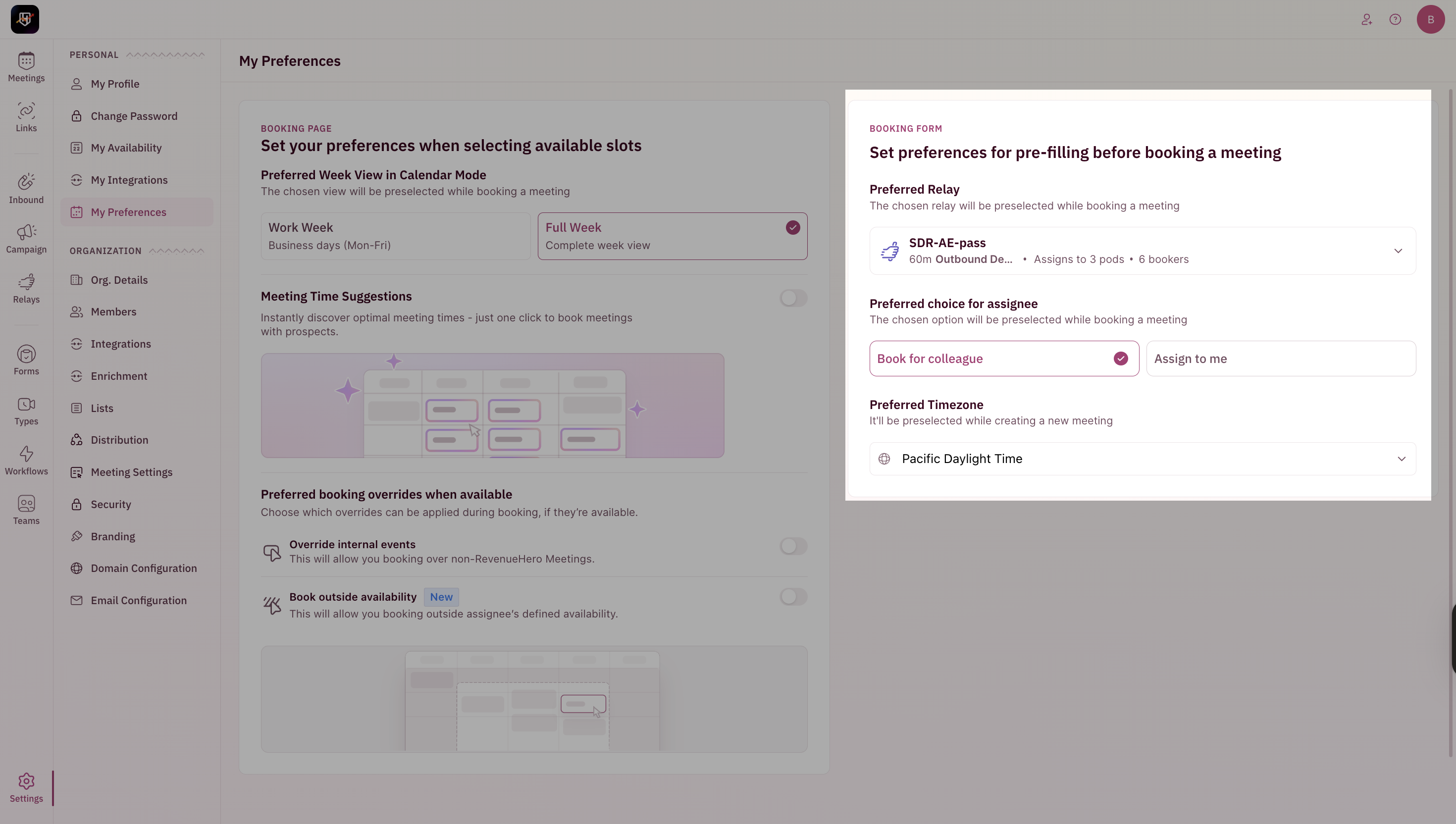 **Preselect a Relay**\
Choose your most frequently used relay to save time while booking.
**Preferred choice for assignee**
* **Assign to Me** → For meetings you’re booking for yourself
* **Book for colleague** → For handoffs to colleagues
**Set Default Timezone**\
Define the timezone you typically book from, and RevenueHero will display the relay in this timezone by default.
**Preselect a Relay**\
Choose your most frequently used relay to save time while booking.
**Preferred choice for assignee**
* **Assign to Me** → For meetings you’re booking for yourself
* **Book for colleague** → For handoffs to colleagues
**Set Default Timezone**\
Define the timezone you typically book from, and RevenueHero will display the relay in this timezone by default.