> ## Documentation Index
> Fetch the complete documentation index at: https://help.revenuehero.io/llms.txt
> Use this file to discover all available pages before exploring further.
# How to integrate RevenueHero with Gatsby forms?
> Integrate RevenueHero's scheduler with your Gatsby form in 4 simple steps
1. Go to your landing page with your Gatsby form and find your form's identifier which, for example here is `#gform_16`
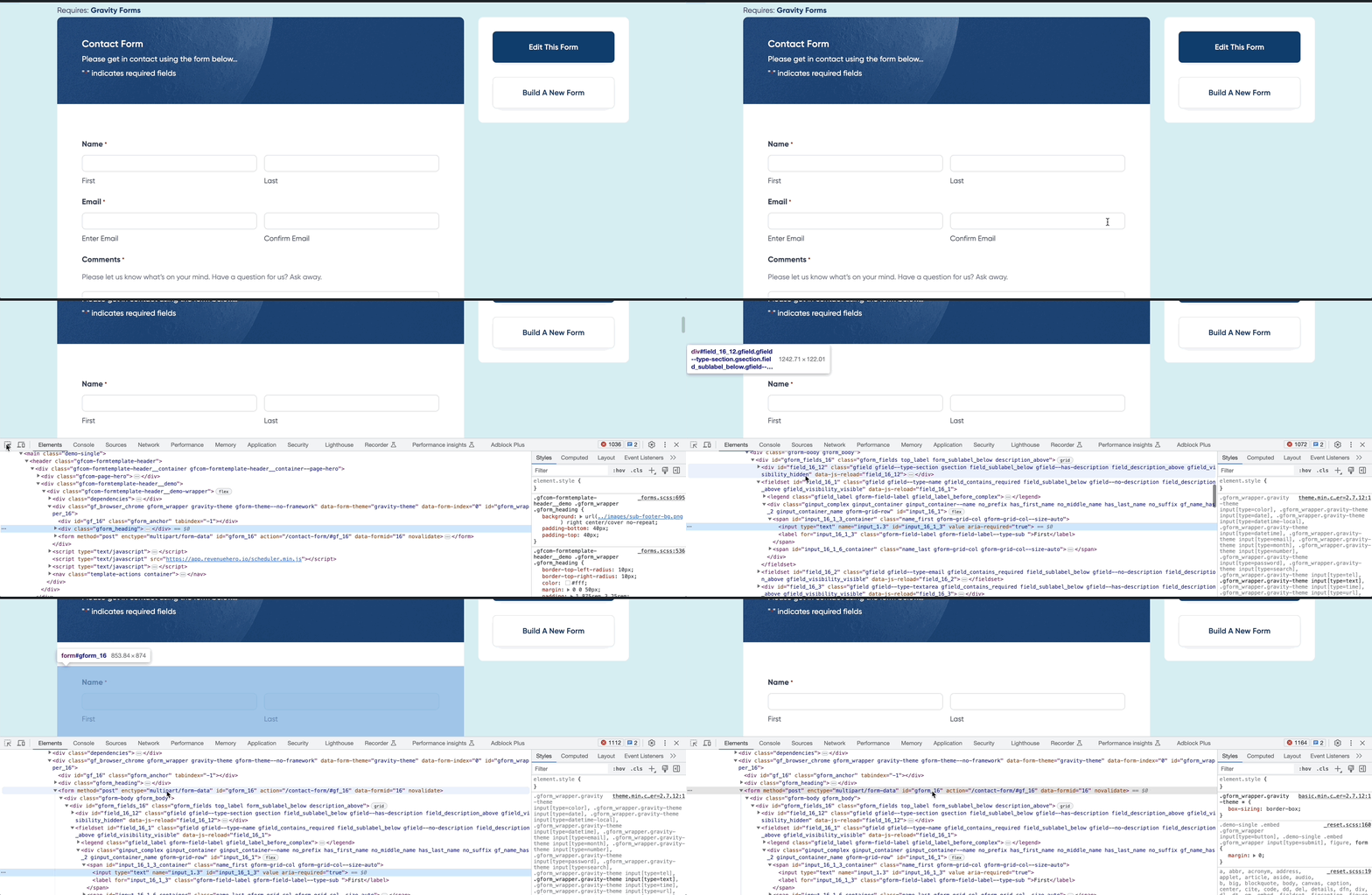 2. Set up an [Inbound Router](/routers/inbound/create-inbound-router) in RevenueHero with the form identifier in your form mapping
3. Copy the [installation script](/routers/inbound/create-inbound-router#install-the-script) from the final step of the router set up.
```javascript Sample installation script theme={null}
```
4. In your Gatsby form component code, add the following code to integrate RevenueHero widet on your form submission
```typescript theme={null}
import { Script } from 'gatsby'
2. Set up an [Inbound Router](/routers/inbound/create-inbound-router) in RevenueHero with the form identifier in your form mapping
3. Copy the [installation script](/routers/inbound/create-inbound-router#install-the-script) from the final step of the router set up.
```javascript Sample installation script theme={null}
```
4. In your Gatsby form component code, add the following code to integrate RevenueHero widet on your form submission
```typescript theme={null}
import { Script } from 'gatsby'