

BEFORE YOU BEGINYou need to be an admin in both RevenueHero and Freshsales to authorize the connection.
Connect Freshsales
- In the left sidebar, click Settings → Integrations.
- In the CRM section, click Connect Freshsales.
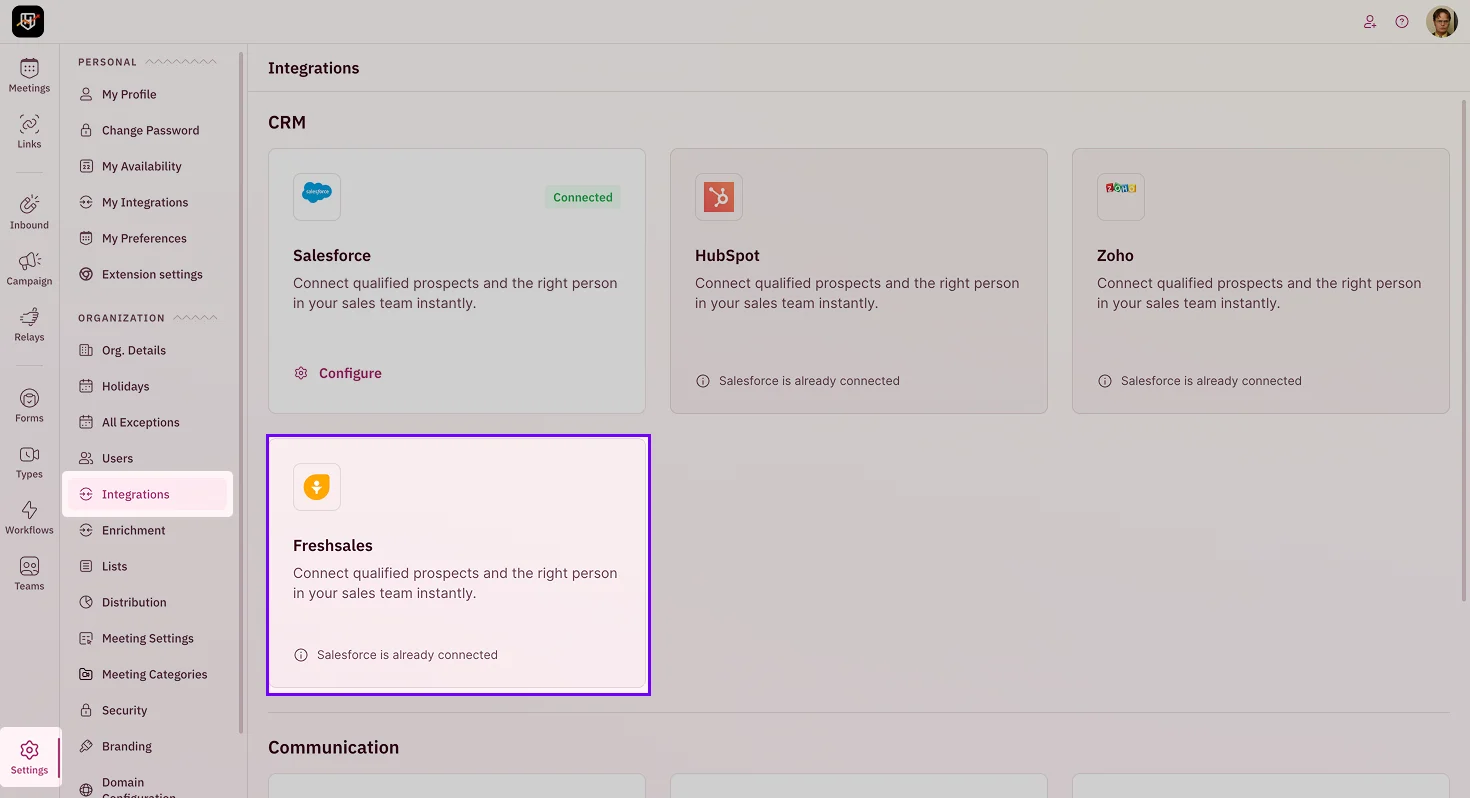
- Authorize RevenueHero in the Freshsales authentication screen. This grants RevenueHero the access it needs to read your records and update fields and contacts based on your routing and workflows.
- Once authorized, you’ll see Freshsales as connected.
What the connection enables
With Freshsales connected, you can:- Match a prospect to their existing owner with Matching Rules.
- Route on Freshsales fields in the Condition Builder.
- Sync meeting activity and outcomes back to the Freshsales record.
Freshsales is connected. Your routing now runs on your CRM, and meetings flow back into it. 🎉🎉🎉
Create a Matching Rule
Route to existing CRM owners.
Condition Builder
Route on CRM fields.
Create an Inbound Router
Put your CRM data to work.