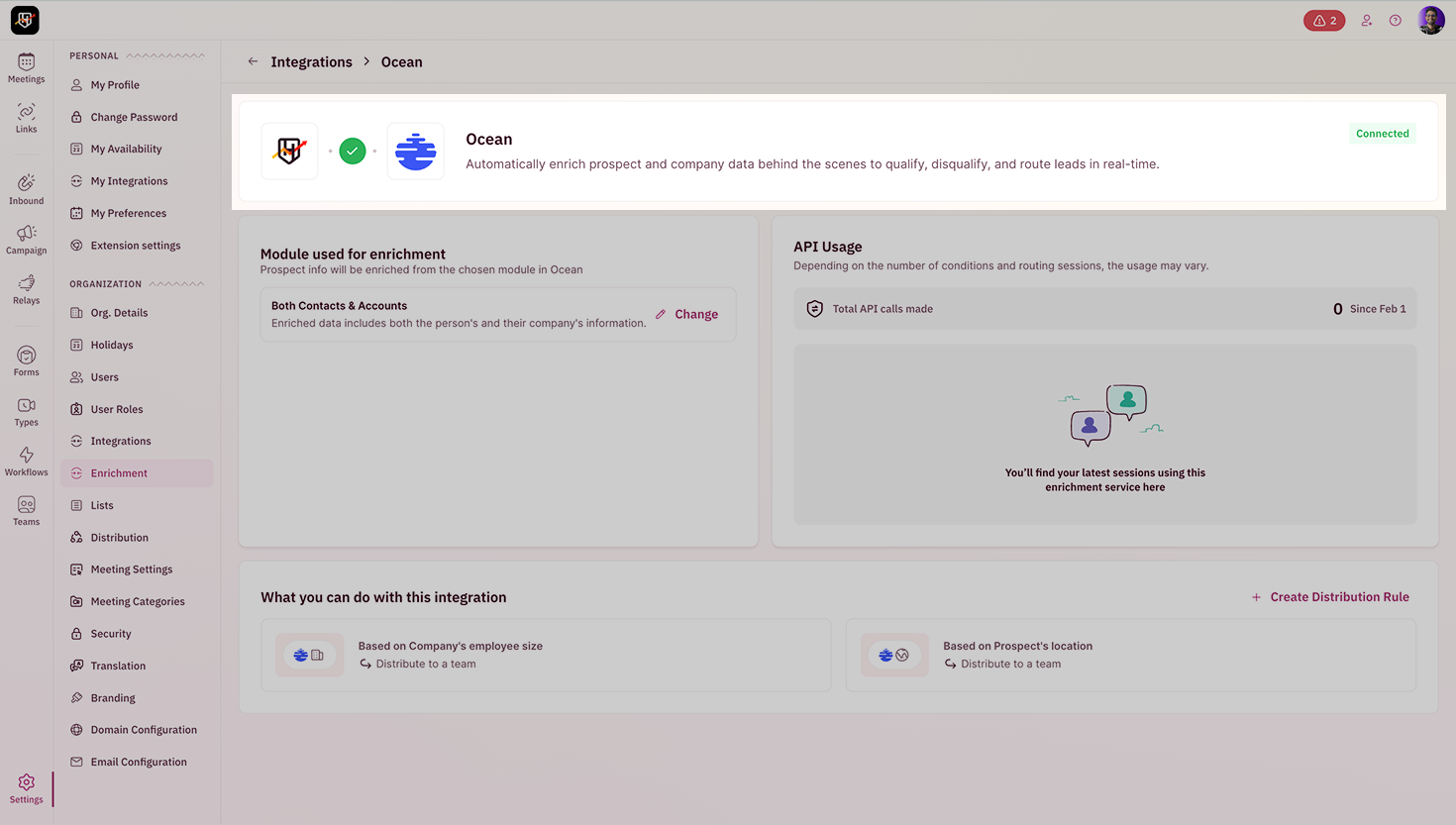
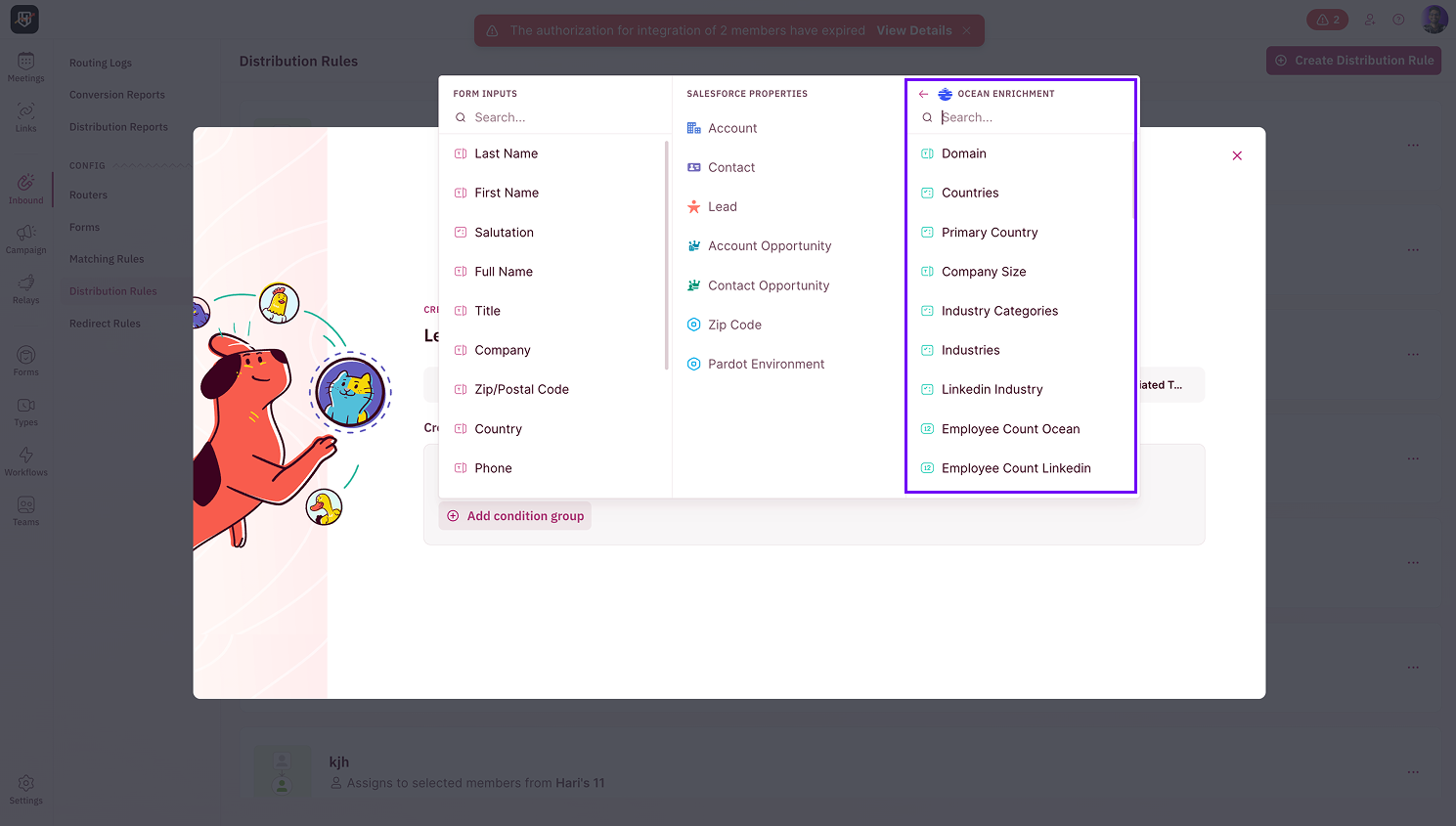
BEFORE WE BEGINYou must be an admin in RevenueHero to access the enrichment settings and complete the integration.
Configure Ocean.io Enrichment
To use Ocean.io for enrichment, you’ll need to connect your Ocean.io account to RevenueHero using an API key.How to generate your Ocean.io API key
- Log in to your Ocean.io account.
- Navigate to your account’s API settings or Integrations section.
- Generate a new API key and copy it to your clipboard.
Connect Ocean.io to RevenueHero
- In RevenueHero, go to Settings → Enrichment.
-
Click on Connect Ocean to open the integration setup screen.
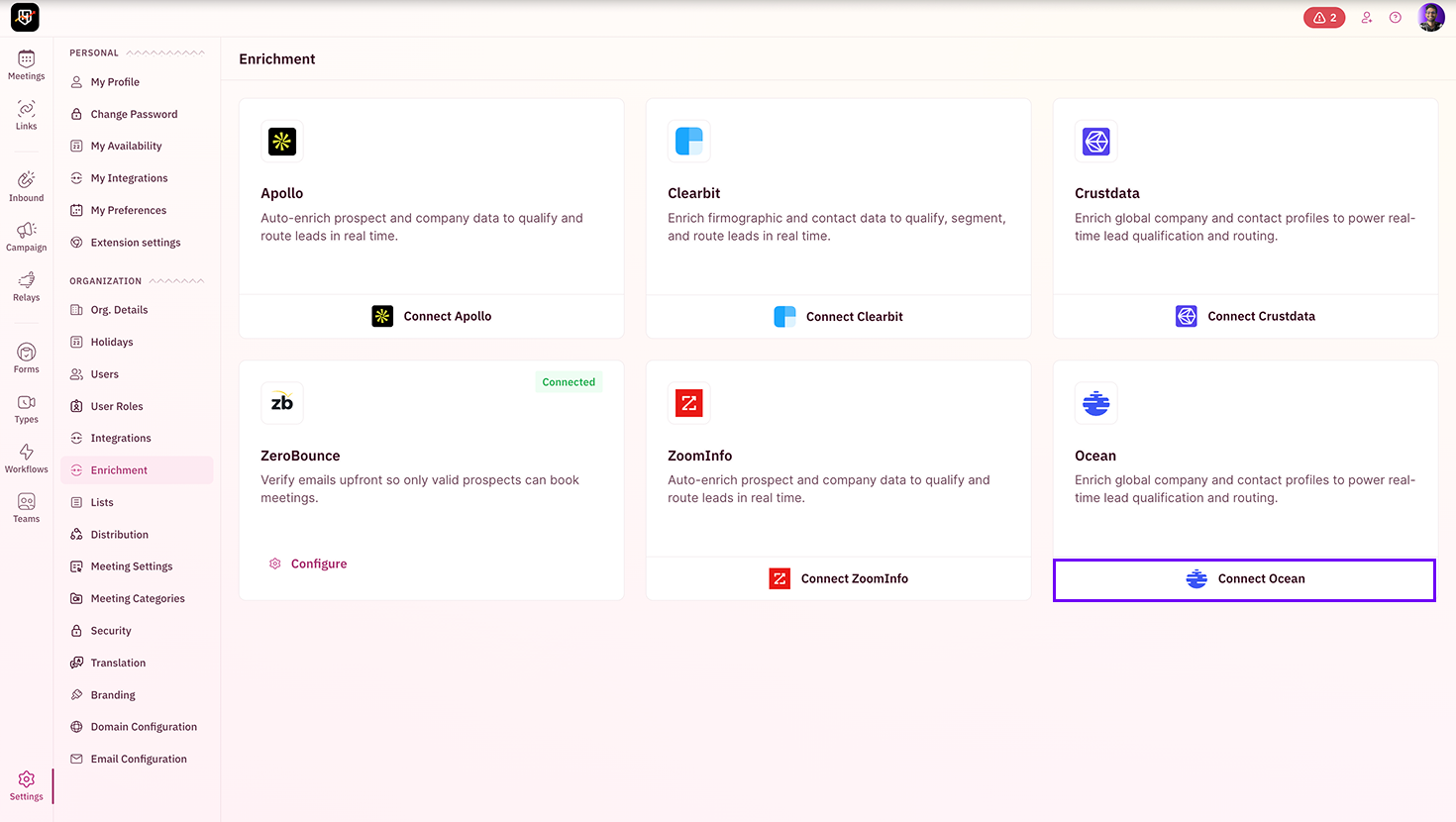
If this option is unavailable in your account, reach out to support@revenuehero.io, and we’ll help you with it.
- Paste your Ocean.io API key and enter a valid email address to send a test API call. If you don’t possess an Ocean.io API key, just enter a valid email id and proceed.
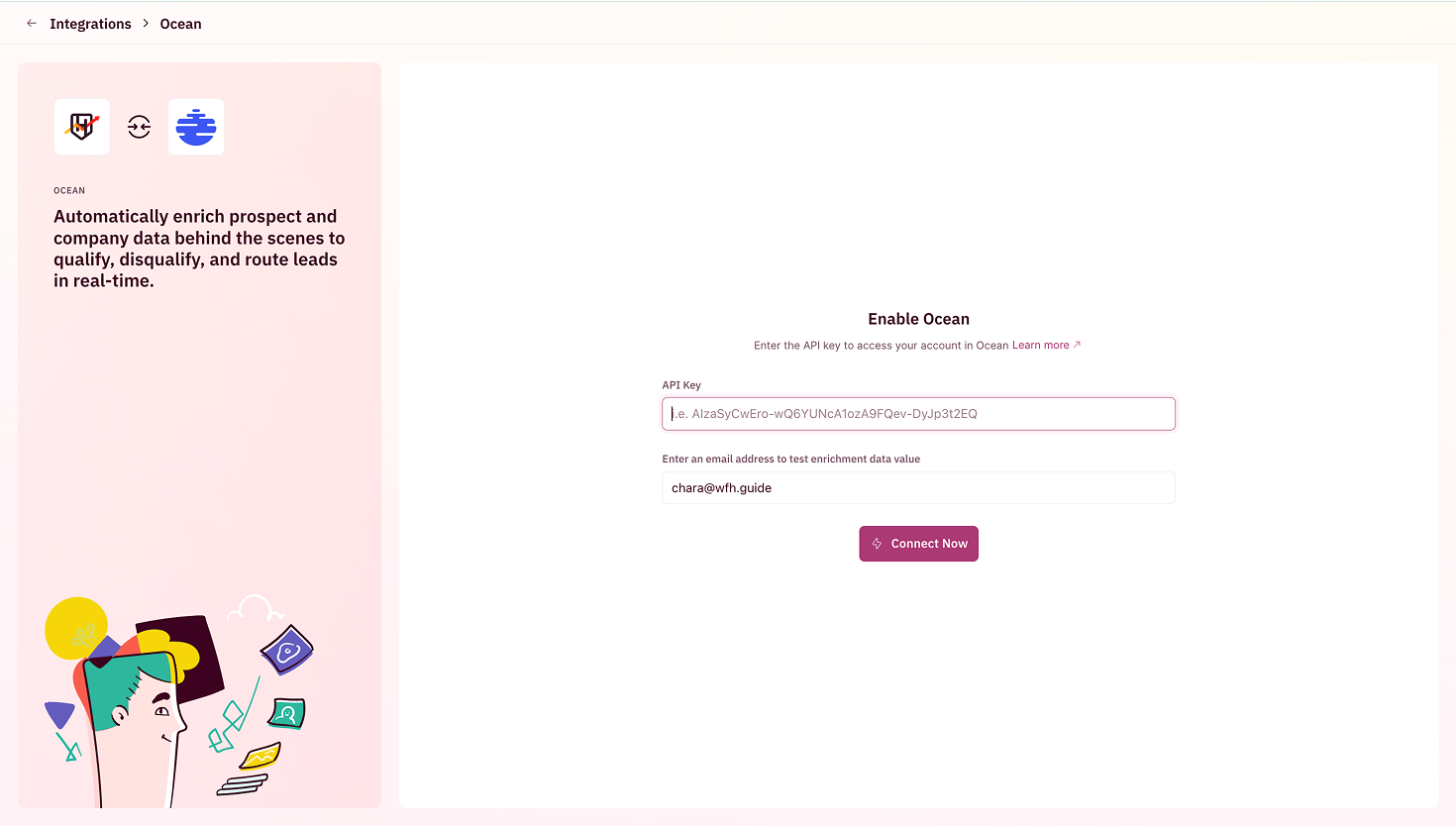
- Click on Connect Now.